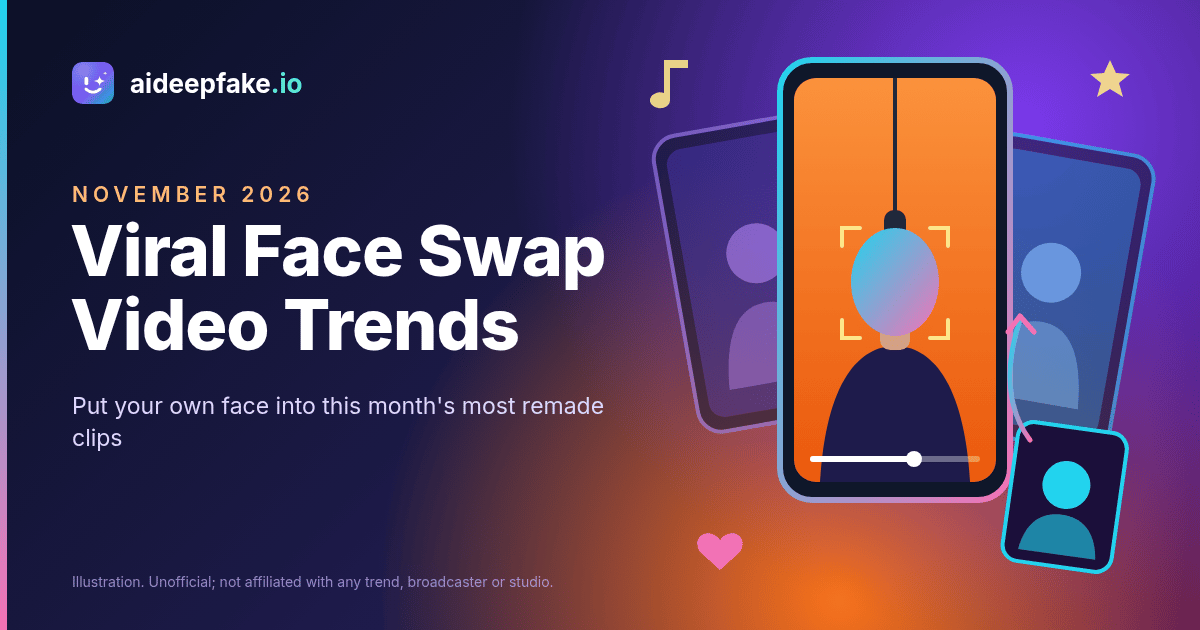
If your feed this month looks like the same five video clips with different faces in them, you are not imagining it. Viral face swap video trends have taken over TikTok, Instagram Reels and YouTube Shorts in November 2026: an office-desk concert, a two-person booth performance, an elevator scene from a 2009 movie and a pair of rap freestyles. This guide explains where each trend comes from, which ones a single-face swap handles well, which ones need a workaround, and how to make your own version on aideepfake.io without breaking the rules of the platform you post to.
One note before the list. The clips behind these trends belong to other people: broadcasters, film studios, artists and the creators who filmed them. aideepfake.io does not host, sell or license any of that footage, and it is not affiliated with NPR, COLORS, Searchlight Pictures, The Smiths or any performer mentioned below. Every name is used only to describe a public trend. What the site does is simple: you bring a target photo or video you are allowed to edit, plus a clear photo of a face, and the face swap engine puts that face into the target.
Why these clips go viral
Every big template trend in 2026 follows the same pattern. A short clip has one instantly recognizable moment: a grin into the camera, a deadpan line, a hand on the mic. People rewatch that moment for the original performer, then someone puts a new face in it and the joke becomes about who is in the clip, not what happens in it. Sports pages cast losing coaches, fan accounts cast TV casts, families cast grandma. The format stays fixed, so the audience already knows the punchline and only waits to see the new face.
That structure is why a face swap works better here than a fully generated video. When an AI model regenerates the whole scene from a photo, the motion and timing drift, and the face often stops looking like the person. When you swap a face into an existing clip, the timing, the camera move and the audio stay exactly as people remember them. Only the face changes.
The trends at a glance
| Trend | Original scene | People in the shot | Works with one source face? |
|---|---|---|---|
| Tiny Desk "Outstanding" | Small office-desk concert, singer grinning at the mic | Singer plus a band | Yes for the singer close-up; a full-band shot turns every face into the same face |
| Hotel Lobby | Two performers trading verses in an orange booth | Two | Only if you crop to one performer, or want both to be you |
| I Love the Smiths | Elevator scene from (500) Days of Summer | Two | Yes for a one-person crop or a reaction shot |
| Skibidi Babidi Boo freestyle | A rapper's studio freestyle at a mic | One | Yes, this is the easiest one |
| Bulin 47 "Dame Hombro" | Street freestyle over a speaker | One in focus, crowd behind | Yes, if the crowd faces are small or out of frame |
1. The Tiny Desk "Outstanding" trend
The biggest of the current face swap video trends uses the last seconds of Charlie Wilson's 2023 NPR Tiny Desk concert, where he closes with the Gap Band's 1982 song "Outstanding" and laughs into the camera. Remakes started appearing in October with a parody that cast losing college football coaches as the band, and by November they had spread to TV casts, families and celebrities. Complex reported on November 3 that Toni Braxton posted a version with her sisters in the band, and The Root covered the trend again on November 16.
Most viral versions put a different person in every seat of the band. That is the one thing to know before you start: on aideepfake.io, one source face replaces every face it detects in the target. If you upload a full-band shot, the whole band becomes the same person. That can be a funny edit in its own right ("me, my band"), but it is not the classic format.
The cleaner way to join in is the singer close-up. Use a clip of a singer at a mic that you recorded or are allowed to edit, trim it so only one face is visible, and swap your face in. Our Tiny Desk face swap page walks through targets that work and the ones that fail, such as a saxophone or a mic covering the mouth.
2. The Hotel Lobby trend
The Hotel Lobby trend remakes a 2022 performance from the COLORS series: two artists trade verses at one hanging microphone in front of a flat orange wall. The orange background and simple framing make it easy to recognize even with new faces, which is why it spread from TV-show edits to pets and celebrity versions.
It is a two-person format, so the same limit applies. You have three honest options:
- Crop to one performer. Trim or crop the clip so only one person is in frame, then swap.
- Make both performers you. Upload the two-person clip as it is. Both faces become yours, which works as a "talking to myself" joke.
- Shoot your own version. Film a friend in front of any plain orange wall, then swap your face onto them with their agreement.
The Hotel Lobby face swap page lists the angles and lighting that hold up best in this kind of booth shot.
3. The I Love the Smiths trend
This one recreates the elevator scene from (500) Days of Summer: one character wears headphones, the other says "I love the Smiths," repeats it, and the doors close. Trend trackers date the current wave to early November 2026, with most remakes made by placing two new people into the scene.
Again, the two-different-faces version is not something aideepfake.io does. What works is a single-person moment. Use a one-person crop, such as the reaction after the line, or an elevator clip of your own, and swap your face onto it. If you want the celebrity angle, our Zooey Deschanel face swap page explains how the celebrity face library works and the rules that come with it: parody and fan edits only, always labeled, never presented as real footage.
4. The Skibidi Babidi Boo freestyle trend
The "Hibidi Skibidi" freestyle is a short studio clip of a rapper at a mic, and the trend is simply putting your own face on him. It is the easiest of this month's trends for a face swap because there is only one person in frame, the camera barely moves and the face is lit from the front.
Bring a clip you are allowed to edit, upload one clear selfie and run a video face swap. The audio from the original clip stays in sync, because the tool only changes the face. The Skibidi face swap page covers the details that matter for this clip: puffed cheeks and hands near the mouth can blur the swap, so pick a source photo with a relaxed, neutral mouth.
5. The Bulin 47 "Dame Hombro" freestyle trend
The Bulin 47 trend is built on a street freestyle the Dominican artist posted in October 2026, later released as the song "Dame Hombro." Remakes put someone else in the middle of the scene while the speaker, the red light and the crowd stay the same. Own-face versions are the most common.
There is one main subject, so a single-face swap fits. The catch is the crowd: if faces behind the performer are large enough to detect, they will change too. Trim to a section where the performer fills the frame, or use a clip where the background faces are small and blurred.
How to make your own version, step by step
- Pick the target. A photo or video you recorded, licensed or generated with a tool whose terms let you edit and share the output. Videos can be up to 300 seconds, or 90 seconds with enhancement on. Clips use MP4, MOV or WebM; photos use JPEG, PNG or WebP.
- Pick the source face. One front-facing photo of one person, both eyes visible, even light, nothing covering the face. It must be your face, a person who agreed, or a face from the celebrity library used within its rules.
- Trim for one face. If the target shows several people, crop or trim to the moment you need, unless you actually want every face to become the same person.
- Run the swap. Use the video tool for clips and the photo face swap for a still you want as a thumbnail or cover image. Photo swaps usually return in seconds; videos take a few minutes.
- Turn on enhancement if needed. Face enhance restores skin and eye detail after the swap, and frame enhance upscales a soft target. Our HD face swap page explains when each one helps.
- Check before you post. Watch the hairline, jaw, ears and mouth against the audio. If something looks pasted on, change the source photo or the target clip rather than posting it.
Getting a clean result on a trend clip
Template clips are often re-uploaded several times, so they arrive compressed. A few habits make a big difference:
- Start from the cleanest copy you have. A 1080p clip swaps far better than a screen recording of a screen recording.
- Match the angle. If the target looks slightly down at a mic, a source photo that looks straight at the camera works better than a profile shot.
- Avoid things crossing the face. Microphones, hands, hair and sunglasses hide the landmarks the engine needs.
- Keep it short. Most trends use 10 to 20 seconds. A shorter clip costs fewer credits and is easier to check frame by frame.
- Make a matching cover. Export one frame, swap it as a photo and use it as the thumbnail so the face is consistent across the post.
What it costs
A photo swap costs 15 credits. A video swap costs 5 credits per started 10 seconds, with a minimum of 20 credits, so a typical 15-second trend clip costs 20 credits. Every free account can claim 10 check-in credits a day. Results carry an aideepfake.io watermark by default; after any completed purchase you can switch it off for new jobs, as explained on the face swap without watermark page. Packs and plans are listed on the pricing page. If you run a meme page or an app and want to offer the same single-face swap to your own users, the face swap API is available to subscribers.
Rules worth following
Trends move fast, and that is exactly when people skip the basics. Keep these in mind:
- Consent first. Swap your own face, a friend who said yes, or a celebrity face only as clearly labeled parody. Do not put a private person into a clip without their permission.
- No humiliation, no impersonation. Do not use a trend to mock someone, put words in their mouth or make it look like a real person did something they did not do.
- Label it. Add an "AI edit" or "face swap" label in the caption. Platforms such as TikTok and YouTube ask creators to disclose realistic AI content, and in the EU the AI Act makes that the deployer's job.
- Respect the footage. Use clips you recorded, licensed or generated. The original performers, broadcasters and studios own their work.
- Under 18 is off limits. aideepfake.io is for adults, and minors' faces should never be swapped.
FAQ
Can I put a different face on each person in the Tiny Desk band?
No. aideepfake.io replaces every detected face in the target with the one source face you upload. For the classic multi-person version, trim to a single-person shot, or accept that the whole band becomes you.
Does the original audio stay in my video?
Yes. The video tool changes the face frame by frame and keeps the original audio in sync. It does not add music, effects or new motion.
Can I make these trends from one photo with no video?
Not on aideepfake.io. It swaps a face into a target photo or video you provide; it does not generate a new scene from a single photo. You need a target clip you are allowed to edit.
Which trend is easiest for a first try?
The Skibidi freestyle, because it has one face, a steady camera and front lighting. Hotel Lobby and I Love the Smiths need a one-person crop first.
Is this connected to NPR, COLORS or the film studio?
No. Tiny Desk is an NPR trademark, COLORS is a trademark of its owners and (500) Days of Summer is a Fox Searchlight (now Searchlight Pictures) film. aideepfake.io is independent and not affiliated with or endorsed by any of them, and these are unofficial fan edits.
Join the trend with one clear face
The face swap video trends of November 2026 all reward the same thing: a recognizable clip with a face people did not expect. Pick a one-person moment, bring a sharp source photo, check the result before you post and label it as an AI edit. Then the only question left is which clip you want to be in first.