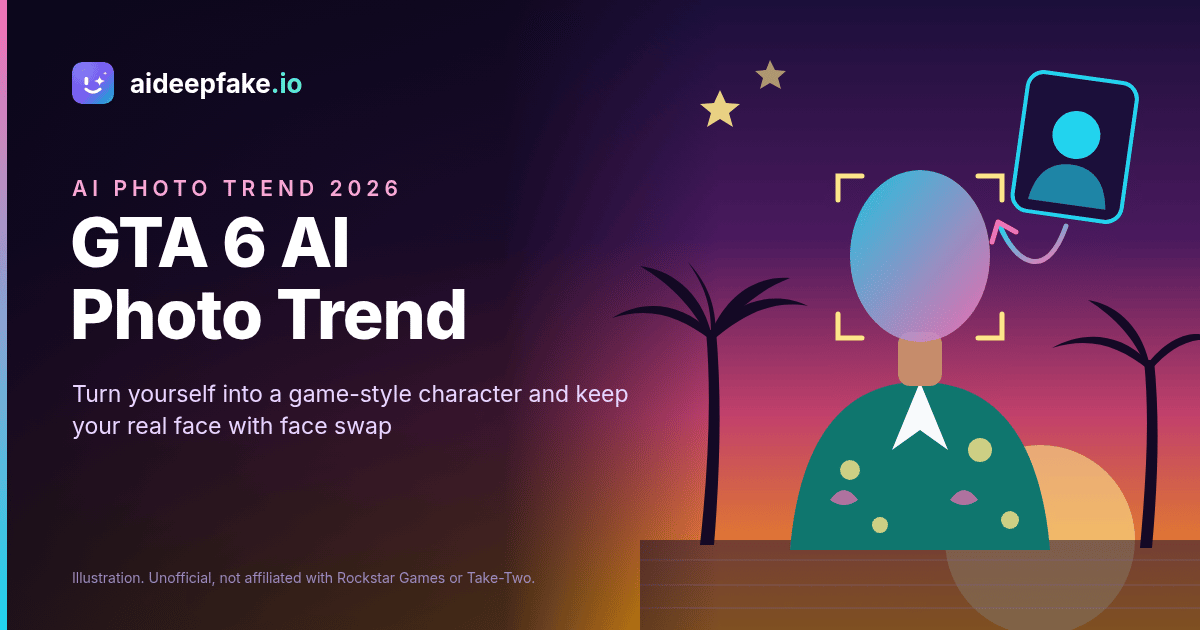
Grand Theft Auto VI came out on November 19, 2026, and within a day the GTA 6 AI photo trend was everywhere. On Instagram, people are posting selfies redrawn as GTA characters: painted loading-screen portraits, neon Vice City streets, a convertible at sunset. One post on X about people on IG "turning themselves into GTA characters" passed half a million views in a day, and news sites such as Mint published prompt guides for ChatGPT and Gemini the same day. If you want to turn yourself into a GTA character, this guide explains how the trend works, why most "GTA filter" results stop looking like you, and how to use a face swap on aideepfake.io to keep your real face in the picture.
A quick note before we start: Grand Theft Auto, GTA and GTA 6 are trademarks of Rockstar Games and Take-Two Interactive. aideepfake.io is an independent face swap service. It is not affiliated with, endorsed by or sponsored by Rockstar Games or Take-Two Interactive, and it does not provide official GTA artwork, screenshots, logos or a GTA style generator. Everything below is about fan-made edits.
What is the GTA 6 AI photo trend?
The trend is simple: you take one selfie and turn it into an image that looks like it belongs in the world of GTA 6, which is set in the state of Leonida and its Miami-inspired Vice City. Most posts fall into two looks:
- The painted look. A poster-style portrait with bold ink outlines, flat cel shading, saturated sunset colors and palm trees, like the loading-screen art the series is known for.
- The in-game look. A realistic 3D render that looks like a screenshot: you on a pastel street, next to a muscle car or on a beach, seen from a third-person game camera.
Most people make these images with a general AI image model. They upload a photo, paste a long "GTA 6 AI photo prompt" and ask the model to restyle it. Some apps sell the same idea as a one-tap "GTA filter." Either way, the AI does not edit your photo. It draws a new picture inspired by it.
Why the GTA filter changes your face
That last point explains the most common complaint about the trend: "It doesn't look like me." When an image model redraws you in a game style, it rebuilds every part of the picture, including your face. Even when the prompt says "keep my face exactly the same," the model tends to:
- smooth your skin and change your age,
- make your jaw sharper and your eyes bigger,
- change your nose, eyebrows or hairline toward a generic "game character" face,
- drift a little more every time you ask for another version.
That is fine if you just want a fun avatar. It is a problem if you want your friends to recognize you instantly, or if you are making a set of pictures and want the same face in all of them.
Face swap vs. stylized redraw: which one keeps your real features?
A face swap works the other way around. Instead of redrawing you, it takes an existing image or clip (the target) and replaces the face in it with the face from your photo (the source). The scene, outfit, car and lighting stay exactly as they are. Only the face changes, and it comes from a real photo of you.
| Stylized AI redraw ("GTA filter") | Face swap | |
|---|---|---|
| What changes | The whole picture, including your face | Only the face |
| Your real features | Often changed or "beautified" | Taken from your source photo |
| Same face across several pictures | Hard; each version drifts | Easy; use the same source photo |
| Video | Usually still images only | Photos and video clips |
| Where the GTA look comes from | The prompt or filter | The target image or clip you bring |
The key thing to understand: a face swap does not create the GTA style for you. You need a GTA-style target first. The good news is that the two methods work well together.
How to turn yourself into a GTA character with face swap
There are two practical ways to do it.
Method 1: Fix the face on an AI-generated GTA image
This is the best way to join the GTA AI photo trend and still look like yourself.
- Make the GTA-style picture. Use any image generator you like to create a scene. Ask for the realistic in-game look, a person facing the camera and a clearly visible face. No logos, no text.
- Pick your source photo. Choose one sharp selfie with both eyes visible, even light and a head angle close to the one in the generated picture.
- Swap your face back in. Open the photo face swap tool, upload your selfie as the source and the generated image as the target, and run the swap. Your real face replaces the drifted one, and the Vice City background stays.
- Check the details. Look at the hairline, ears, jaw and neck. If something looks off, try a source photo with a closer angle or expression.
One limit to know: the face detector needs a real, human-looking face in the target. The realistic in-game look works well. A very flat, cartoon-style painted portrait may not have a face the tool can find, so if a painted image fails, ask your generator for a more detailed, semi-realistic face.
Method 2: Start from a GTA-style photo or clip you are allowed to use
You do not need an AI generator at all. A friend in a Vice City-style outfit, a cosplay photo from a gaming event, a beach or neon street shot you took yourself, or a licensed stock photo can all become GTA-style targets. Put your face on a still with the photo tool, or put it on a short clip with the video face swap tool, which keeps the original audio. The dedicated GTA face swap page gathers GTA-specific tips for this kind of target in one place.
Want to play one of the two leads? The Lucia face swap and Jason face swap pages cover cosplay photos and fan-made targets for each character. Use fan or cosplay material you have the right to edit, not official trailer frames or Rockstar screenshots.
GTA AI photo trend ideas to try
- The loading-screen portrait, with your real face. Generate a semi-realistic poster of a person in a tropical shirt at sunset, then swap your selfie onto it.
- The duo shot. Two people in a "partners in crime" pose, like the game's two leads. If you choose to replace every detected face with the same source face, both people become you. One job uses one source face, so it cannot give each person a different face.
- The friend group as a crew. Take a group photo in matching outfits, then swap the birthday person's face onto everyone for a joke. Ask everyone in the photo first.
- The getaway clip. A 10 to 20 second clip of someone walking away from a car or looking back over their shoulder makes a strong video target.
- The before-and-after post. Post the raw AI redraw next to your face-swapped version. It is a simple way to show why your version actually looks like you.
What aideepfake.io can and cannot do
To keep things clear, here is what the tool really does:
- Face swap on photos (JPEG, PNG or WebP up to 10MB) and videos (MP4, MOV or WebM up to 100MB, up to 300 seconds, or 90 seconds with enhancement turned on).
- Replace every detected face in the target with the same source face.
- Use a ready-made source face from the celebrity face swap library instead of uploading your own. If you put a famous face on a GTA-style scene, treat it as an obvious parody and label it as AI.
- Restore skin and eye detail with face enhancement, and sharpen the result with frame enhancement. The HD face swap page explains these options.
- Remove the watermark on new jobs after any completed purchase.
- Run the same photo and video jobs through an API.
What it does not do: it does not generate GTA-style scenes, it has no GTA filter or character preset, it does not swap whole heads or bodies, it does not export GIFs, it does not process files in batches and it does not work on a live camera. GIF, HEIC and AVIF uploads are not accepted, so convert iPhone photos to JPEG first.
Tips for a GTA face swap that looks real
- Match the angle. If the target looks over the shoulder, use a source photo with a similar turn of the head.
- Match the light. Vice City scenes are warm and golden. A source selfie taken in soft daylight or near a sunny window blends better than one shot under cold office light.
- Keep the face clear. Sunglasses, caps pulled low or a hand on the chin in either image confuse the detector. Add sunglasses to the scene only after the swap if you want them.
- Use the original file. Photos forwarded through chat apps are compressed. Ask for the original, or turn on face enhancement.
- Test on a still first. Before you swap a whole clip, take a screenshot of one frame and try it with the photo tool.
If you want more detail on choosing GTA-style targets, read our earlier guide to GTA 6 face swap in photos and videos.
Credits, watermark and pricing
A photo swap costs 15 credits. A video swap costs 5 credits per started 10 seconds, with a minimum of 20 credits. Every free account can claim 10 check-in credits a day, which is not enough for one photo swap on its own, so most people add a small purchase for their first edit. Results carry an aideepfake.io watermark by default; after any completed purchase you can switch it off for new jobs, as explained on the face swap without watermark page. Current packs and plans are on the pricing page. Developers who want to build a GTA-style photo booth for an event or an app can use the face swap API, which subscribers can use for the same photo and video jobs.
Play fair with the trend
- Use your own face, or the face of someone who has agreed to it.
- Never create sexual content of a real person, and never use anyone under 18.
- Do not use a GTA-style edit to impersonate, harass or deceive anyone.
- Label what you share as AI-made, for example with "#AIedit".
- Do not use official Rockstar artwork, trailer frames or logos as targets, and do not sell fan edits.
FAQ
Is there a GTA filter on aideepfake.io?
No. aideepfake.io does not have a GTA filter or a GTA style generator. It swaps a face onto a GTA-style photo or clip that you bring, so your real features stay in the picture.
Why does my GTA 6 AI photo not look like me?
Image models redraw the whole picture, including your face, so features drift toward a generic game character. A face swap with your real selfie on top of that image brings your own face back.
Can I turn myself into a GTA character in a video?
Yes, if you have a GTA-style clip you are allowed to use. Upload it with your source photo in the video tool. The original audio stays in sync. The tool changes the face only; it does not add outfits, cars or effects.
Can I be Lucia or Jason?
You can put your face on a Lucia or Jason cosplay photo or fan-made image you have the right to edit. aideepfake.io does not provide official character images.
Is this affiliated with Rockstar Games?
No. GTA is a trademark of Rockstar Games and Take-Two Interactive. aideepfake.io is not affiliated with either company, and these are unofficial fan edits.
Join the trend with your real face
The GTA 6 AI photo trend is fun, but the best posts are the ones where your friends recognize you at first glance. Make your Vice City scene, keep one sharp selfie ready, and use a face swap to put your real face into the picture. Label it as AI, and enjoy your moment in Leonida.