Face Swap With No Watermark
Every render starts with an aideepfake.io mark. Any completed purchase — a credit pack or a subscription — unlocks the switch that turns it off for the next photo or video job.
- A clear, front-facing photo of one person
- Logos, landscapes and text screenshots will not work
Videos up to 300s (90s with enhancement on)
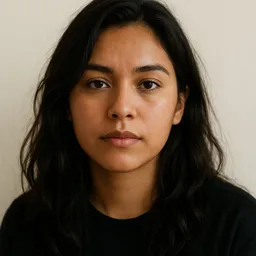
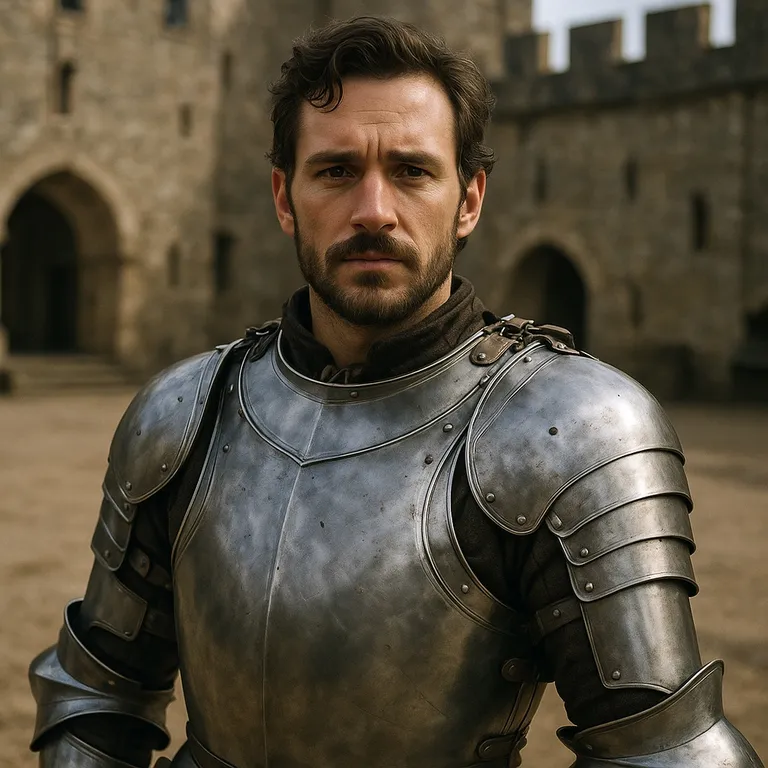
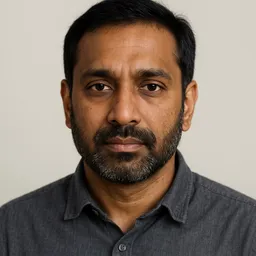
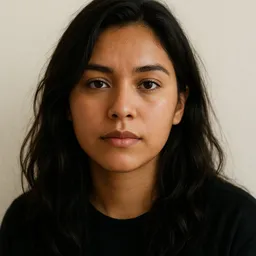
AI face swap examples
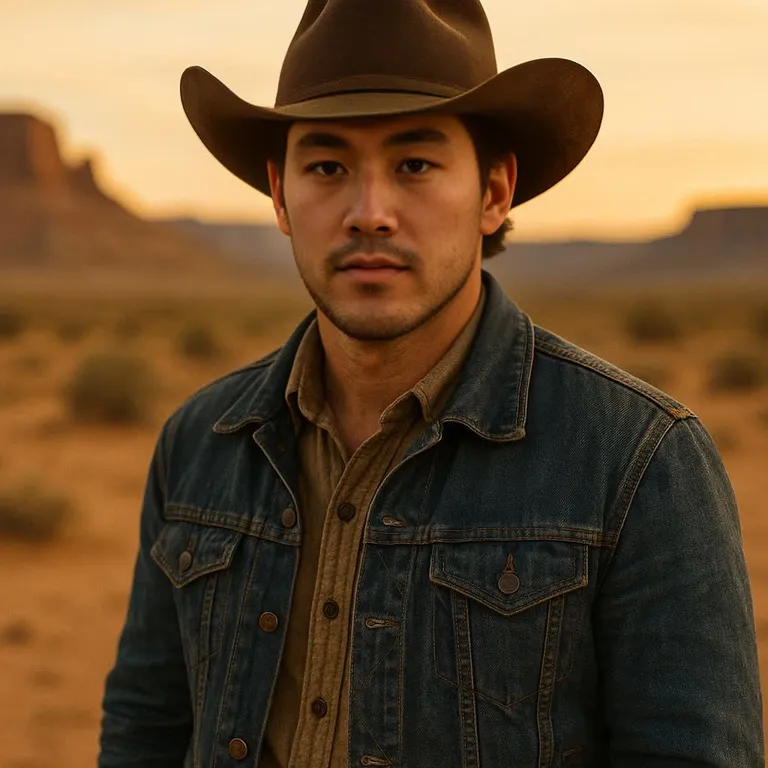
One clear face photo, one target photo, about ten seconds of processing. These are unedited results from the same engine you use above.
 Before
 After
 Before
 After

 Before
 After
 Before
 After
 Before
 After

 Before
 After
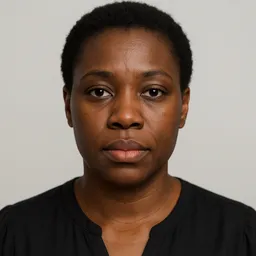
Every person in these examples is AI-generated and does not exist.
A face swap with no watermark on this site is not a free download and not a cleaner that strips marks from a file you already have. It is one switch on the same photo and video tool: the label reads aideepfake.io watermark, it sits in the options row next to face enhancement, and it is on until an account that has a succeeded, non-refunded order turns it off. The lock next to it reads Upgrade to remove until that order exists.
The rule is the same on the web form and on the developer API. Admins can remove the mark; everyone else needs a completed purchase — a credit pack or a subscription that settled and has not been refunded. On an unpaid account, credits from the guest grant and from the daily check-in do not unlock it. Spending the last purchased credit does not lock it again. A full refund puts the account back on the marked path.
This page exists so that sequence is visible before you pay. The tool is mounted above. Upload a still (JPEG, PNG or WebP, 15 credits) or a clip (MP4, MOV or WebM, from 20 credits). If you have not purchased, generate with the mark, or open pricing, complete a payment, come back, flip the switch off, and run a new job. The previous file is not rebuilt.
How Watermark Removal Actually Works
The switch is in the tool, not at download
Look in the options row, under the two upload cards. The control has the id watermark and the label aideepfake.io watermark. A lock beside it, Upgrade to remove, opens the same upsell as tapping the switch without entitlement. You see this before a file is uploaded, not as a surprise on the result.
Any completed purchase, not a named plan
A one-time credit pack and a subscription both count. The check is a succeeded order that is not a refund, stored on the account — the same gate that unlocks the extra swap and enhancer models. There is no separate watermark SKU. Prices live on the pricing page; this page does not restate them.
It applies to the next job, not the last one
Turning the switch off does not walk your history and strip the mark from files you already generated. It does not remove a watermark that was already printed into the photo or clip you uploaded. It only stops this site from burning aideepfake.io into a new render. If you need a clean copy of an old result, run the job again after the switch is off.
Free and check-in credit do not unlock the mark
Fifteen guest credits and ten daily check-in credits pay for swaps. On an unpaid account they do not unlock watermark removal. After a purchase, the same credit balances can run with the switch off. The two systems are separate: credits meter usage, the order record unlocks the mark.
Same rule on photos, videos and the API
There is no watermark-free photo path and a marked video path. The field is watermark on submit, default true, rejected with WATERMARK_REQUIRES_PAYMENT when a free account sends false. The API documents the same optional field. Forging the request does not bypass the check.
How to Generate Without the Mark
Complete a purchase once
Open pricing and buy a credit pack or a subscription. A succeeded payment is what the entitlement reads. A coupon, a check-in claim or leftover guest credits are not a purchase. If an order is later refunded, the switch locks again.
Return to the tool and turn the switch off
Sign in to the same account. In the options row, tap aideepfake.io watermark until it is off. If the lock is still showing, the order has not landed on this account yet — wait for the session to refresh, or confirm you paid on this login, not a guest session you abandoned.
Run a new photo or video job
Upload the source face and the target, then generate. The new file is the one without the site mark. Output resolution is unchanged on every tier. A clip is still billed by duration from 20 credits. This is not a batch re-export of old tasks.
The switch never comes off for an account that has not paid. Tapping it opens an upgrade dialog with a pricing link in a new tab, so a result sitting in this tab is not thrown away. The server still enforces the rule if the dialog is ignored.
When People Turn the Mark Off
The mark is small and in the corner. These are the cases where removing it is the actual job, not a nicer screenshot of a trial.
A still you will post without a vendor name
A meme, a thumbnail or a still from a clip you own does not need aideepfake.io in the corner. Pay once, switch off, generate. Label the post as AI-edited; removing our mark is not the same as pretending the face is a camera original.
A short video destined for an editor
If the clip will be cut, graded or laid over a title card, a baked-in site mark is in the way. Video pricing is unchanged: 5 credits per started 10 seconds, minimum 20. The watermark switch is independent of duration and of face or frame enhancement.
A client delivery that cannot carry a third-party URL
When the file leaves your machine as a deliverable, the site mark is a problem even if you are happy to credit the tool in an email. Unlock the switch on the account that will run the job. Do not send a marked preview and promise a clean cut later from the same file — that file will not change.
API jobs that must match the web account
A subscriber key submits the same watermark field. Set it to false only after the owning account has a paid order. The 403 is the same WATERMARK_REQUIRES_PAYMENT the web form would have hit. Credits still meter each call.
A second pass after you liked a marked trial
Many people spend the guest 15 credits on a still, keep the pair, then purchase and re-run with the switch off. That is the supported path. There is no button that retroactively cleans the first download.
Eligibility, the Switch, and What It Will Not Do
Who can turn it off
An admin account can turn it off. Every other account needs a payment that succeeded and has not been refunded — a credit pack or a subscription, either one. The browser shows the lock until that record exists; the submit route checks the same rule before it charges, so a forged request does not skip it. Guest sessions, a checkout that never attached to this login, and a fully refunded account stay marked.
The daily check-in (10 credits, once per UTC day, gone at 00:00 UTC) and the one-time 15 guest credits are not a purchase. On an unpaid account they pay toward a swap and they do not unlock watermark removal. After a purchase, those balances can still be spent on a job with the switch off, because the entitlement is the order, not the credit pool.
Where to click, and what a tap does
The switch is never disabled. A free account that taps it sees an upgrade dialog, not a dead control. A paying account that taps it while a job is running is told the change applies to the next swap. While the session is still loading, the tool stores the tap and applies it when entitlement arrives, so a payer is not mistaken for a guest for one click.
The switch starts on every page load. Unlocking it does not remember the off position for the next visit; turn it off again after you refresh, then generate. That keeps a shared computer from silently shipping unmarked files after someone else paid.
Limits that look like watermark bugs
A mark that was already in the template — a TV bug, a stock-photo ticker, another vendor's URL — is part of the pixels you uploaded. This switch does not inpaint it. Neither does enhancement. If the source material is marked, the output is marked twice: theirs, and ours until you pay.
GIF, HEIC and AVIF never reach a watermark decision because they are rejected as formats. A clip over the duration cap (300 seconds plain, 90 with an enhancer, shorter at high pixel boost) is rejected before charge. None of those errors is a watermark problem, and paying does not raise the format or length limits. Head swaps, per-face sources, live video and batch jobs are also out of scope on every plan.
Confirm the File Is Actually Unmarked
Open the download at 100% and look at the corner the site uses for aideepfake.io. If the text is there, the job ran with the switch on, or the account was not entitled when it submitted. If a different mark is there, it came from the target you uploaded.
Identity, seam and expression are independent of the watermark. A clean corner on a mismatched face is still a failed swap. Run the same source-and-angle checks you would on any other page, then look at the mark.
- You are signed in to the account that paid, not a leftover guest session
- The lock Upgrade to remove is gone and the switch is off before you press generate
- This is a new job — you are not waiting for an old download to change
- The template itself has no third-party watermark you expected us to erase
- The file type is JPEG, PNG, WebP, MP4, MOV or WebM
- You will still label a published swap as AI-edited
A Clean File Is Not an Unlabelled File
Removing our mark does not remove the duty to say the face is synthetic. Article 50(4) of the EU AI Act sits on the person who publishes the system output, which is you. A corner without aideepfake.io is easier to mistake for a camera original; that is a reason to label more clearly, not less.
Sexual and non-consensual uses stay banned after you pay. The watermark switch is not a consent switch. Use a likeness you own, a person who agreed, or a synthetic character. Reports of abuse are acted on whether the file is marked or not.
Face Swap Without Watermark FAQ
Is there a free face swap with no watermark?
No. Free and check-in credits on an account that has never purchased do not unlock watermark removal. The switch unlocks after any completed purchase — a credit pack or a subscription — and stays unlocked while that order has not been refunded, including when you spend check-in credit.
Where is the watermark switch?
In the face-swap tool, in the options row under the upload cards, labelled aideepfake.io watermark. A lock reading Upgrade to remove sits beside it until the account is entitled. You will see it on this page, on the homepage tool, and on every other category page that mounts the same tool.
Does a credit pack count, or do I need a subscription?
Either. The entitlement is a succeeded, non-refunded order of any of those types. There is no watermark-only product. Spending the credits later does not turn the mark back on.
Will you remove the watermark from a job I already ran?
No. Turn the switch off and generate again. Old downloads in your history keep the pixels they were given. There is no clean-up pass over past tasks.
Can you erase a watermark that is already in my photo?
No. This control only stops this site from adding aideepfake.io. Marks, bugs and tickers that were in the upload stay in the output. That is not a paid extra; it is out of scope.
I paid and the lock is still there. What now?
Confirm you are on the same account that paid, wait for the session and benefits to finish loading, then tap the switch again. A guest session does not inherit a purchase made after you signed up unless the order is on this user. A refunded order will lock the switch again.
Does the API follow the same watermark rule?
Yes. The optional watermark field defaults to on. Sending false without a paid order or an admin role returns 403 WATERMARK_REQUIRES_PAYMENT before any charge. Photo and video jobs share the field; there is no separate unmarked endpoint.
Related Tools
The same engine, a free test, a still, a clip, a meme workflow, or the page that sells the purchase the switch needs.
Generate the Next Swap Without the Mark
If you have already purchased, turn off aideepfake.io watermark in the options row and run a new job. If you have not, the tool still runs — the file will carry the mark until you do.
Open the face swap tool