Free Face Swap
Nothing to install and no card. Photo swaps are free with no sign-up, and what comes back is the real file, not a preview.
- A clear, front-facing photo of one person
- Logos, landscapes and text screenshots will not work
Videos up to 300s (90s with enhancement on)
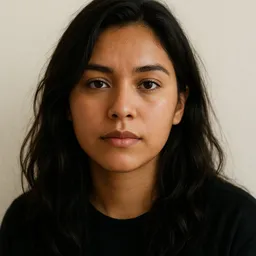
AI face swap examples
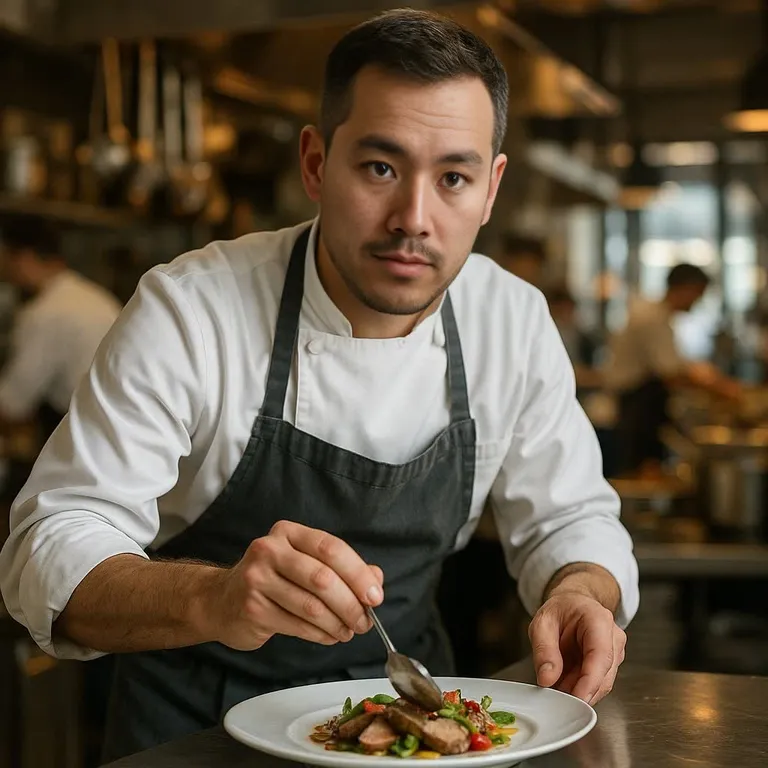
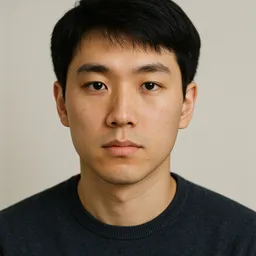
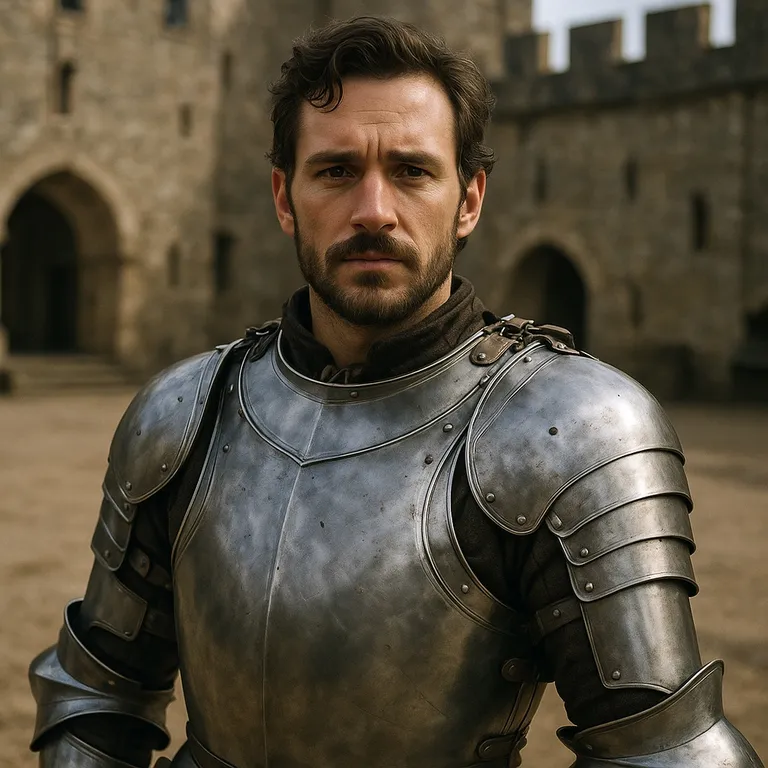
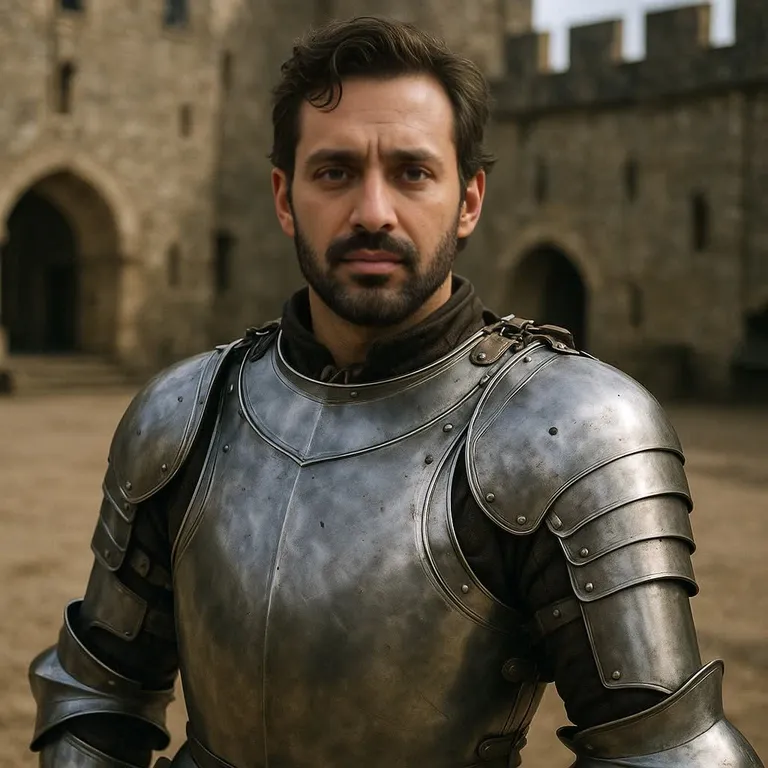
One clear face photo, one target photo, about ten seconds of processing. These are unedited results from the same engine you use above.
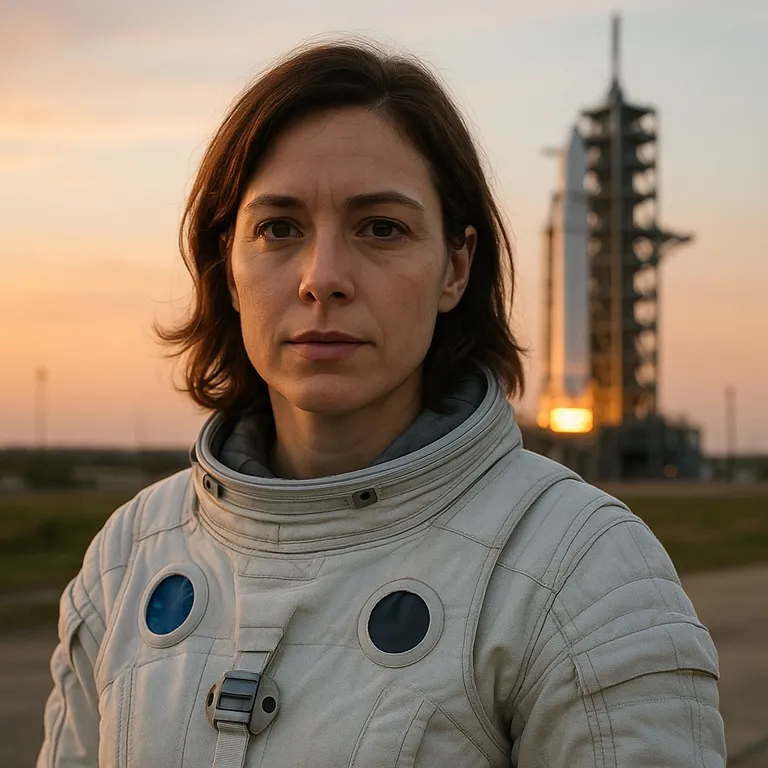 Before
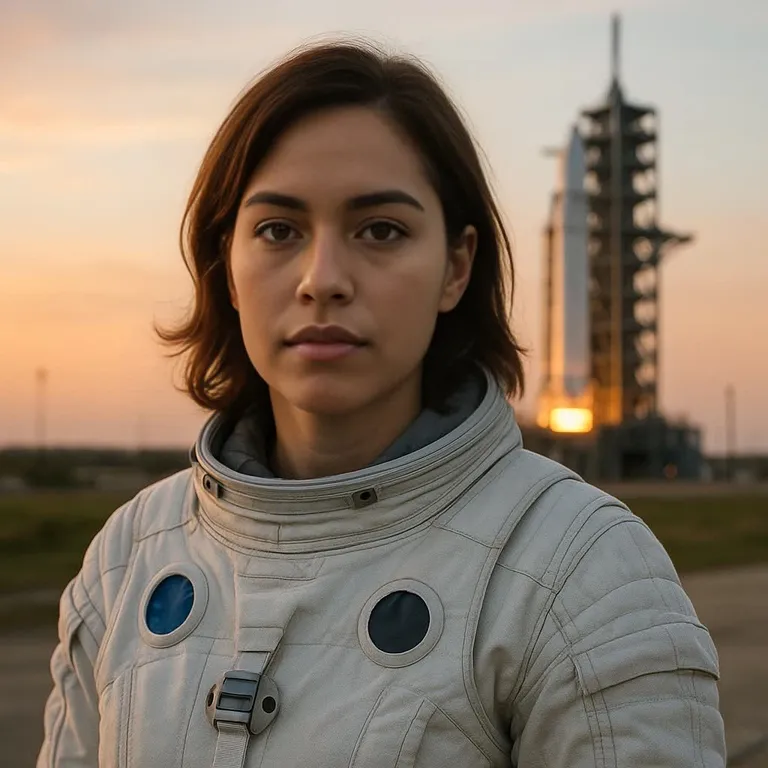 After
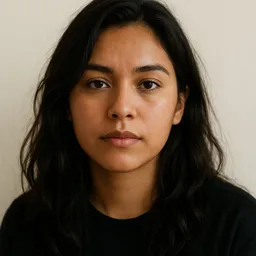
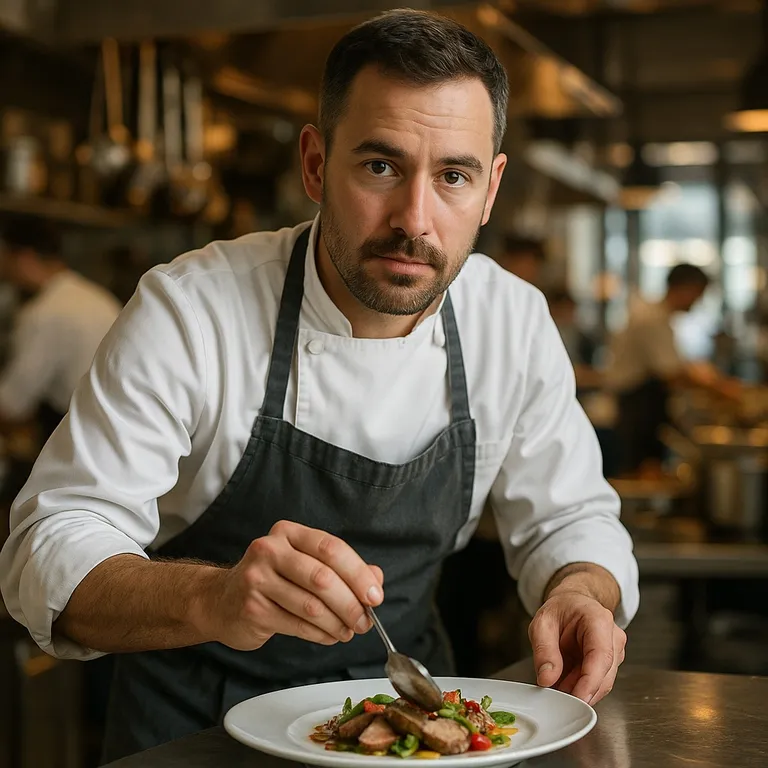 Before
 After
 Before
 After
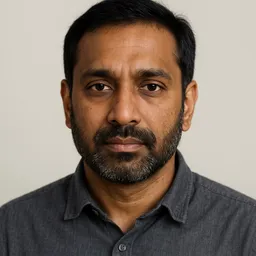
 Before
 After
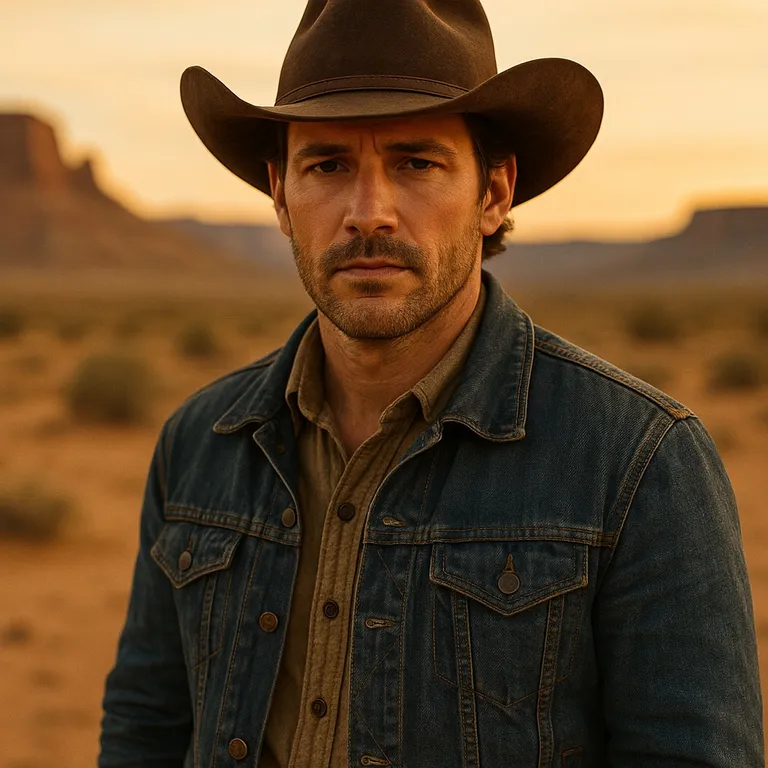 Before
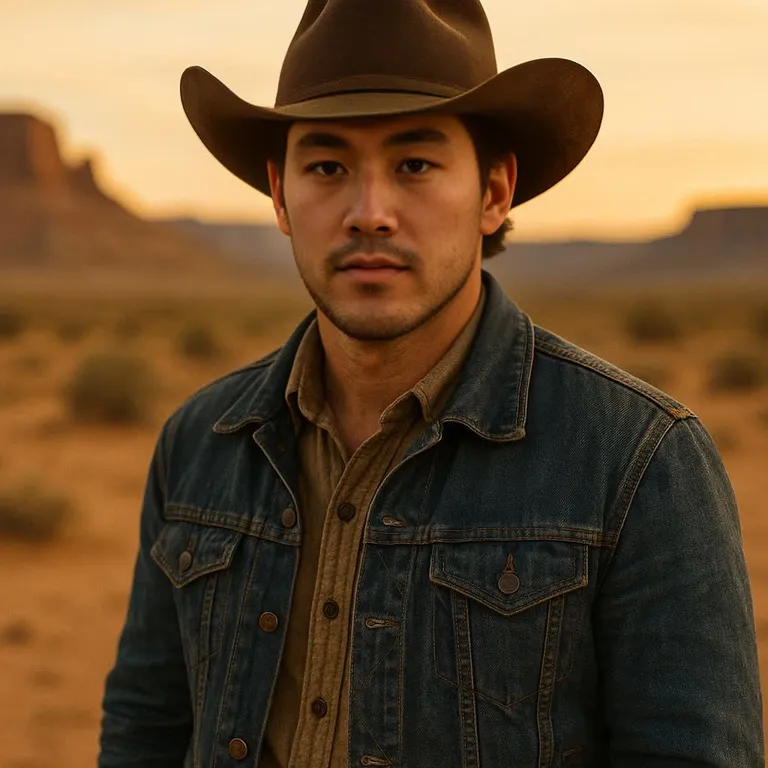 After
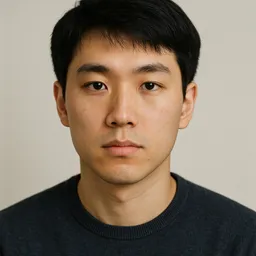
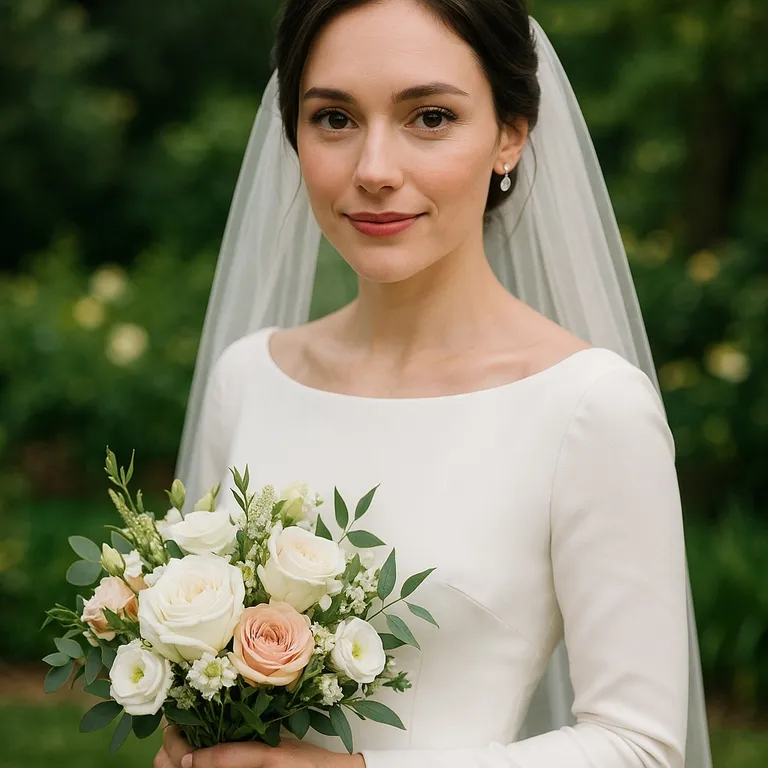 Before
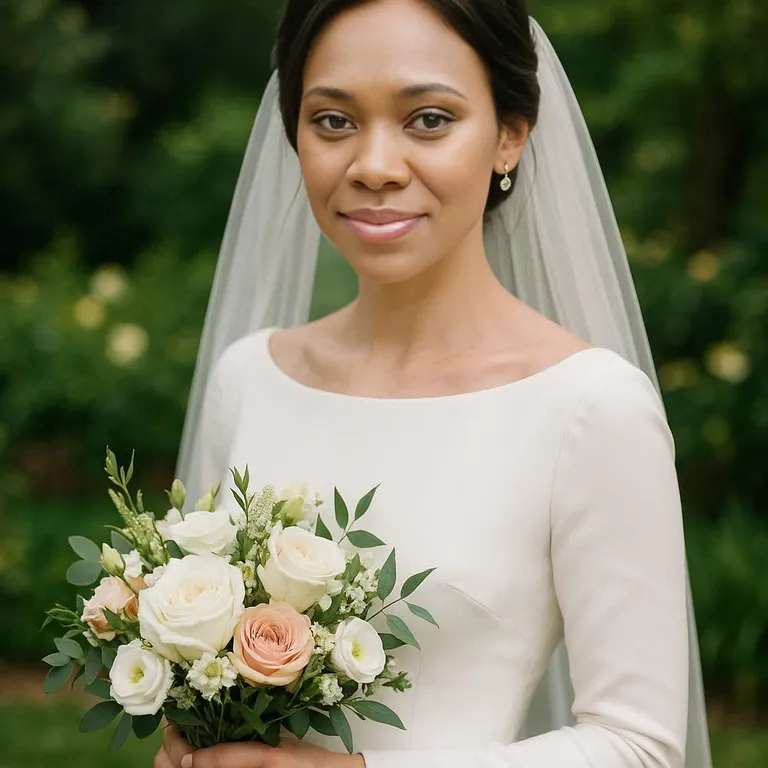 After
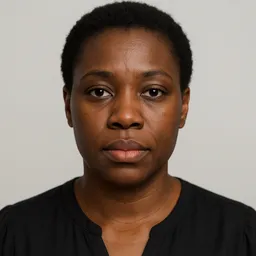
Every person in these examples is AI-generated and does not exist.
Free face swap is a price, but the price is the least interesting thing about it. What free settles is a question no marketing page can answer for you: does this engine hold your face, on your photograph, at the size you actually need? A free face swap on a still answers that question properly, at full resolution, and with up to 20 free photo swaps a day you can ask it again with a different source photo the same afternoon.
The trap in most free tiers is not the size of the allowance, it is what the allowance hands back. A downscaled preview, a watermark burned across the middle, a starter model standing in for the good one — you finish the free render knowing less than when you started, because you never saw what the product actually does. That is a demo dressed as a trial. A free face swap is only worth running if the credits it starts with buy the same output a paying account gets.
This page is the free face swap on aideepfake.io, and the honest description is short. It opens in a browser tab with nothing to install, no account and no payment method up front: upload a face, upload a target, render. Photo swaps are free with no sign-up, up to 20 a day until your first purchase, and a video costs from twenty credits after any purchase. Anything past it comes from a plan or a credit pack. What free buys is not a stripped-down engine. It is an honest look at the real one, on its default swap model.
What a Free Face Swap Actually Unlocks
Every render runs the same pipeline
The free still runs on the same GPUs, the same pipeline and the same default swapper and enhancers a subscriber starts with, and it comes back at the resolution you uploaded. Held in reserve until any purchase, a credit pack included: the other twelve swappers, the alternative enhancer models and the switch that turns the watermark off. A plan adds a monthly credit balance. That is the whole argument for a free face swap: what you see is what the product does, so the decision to pay or walk away gets made on evidence.
No install, no card, no download wall
This is a web page, not an executable: no installer asking for administrator rights, no GPU requirement, no card collected before your first render. You open a tab, upload two files and get a result — which is why people search for a free face swap rather than downloading software.
Thirteen swap models, one purchase away
The default swapper, hyperswap_1a_256, is open to everyone with the default enhancers, and a paid job starts on it too. Any purchase, a one-time credit pack included, unlocks all thirteen production swappers and every enhancer model, and the tool shows a lock on the others before you upload. That matters more than it sounds: the fastest fix for a soft result is often a different model, so on the default model the choice that decides the result is the source photo you pick before you press the button.
Output at the size you uploaded
A free face swap that hands back a downscaled thumbnail has not been free; it sold you a preview. Renders here return at the resolution you supplied, with pixel boost up to 1024×1024 on the swapped region, so the close-up you chose is usable when it turns out to be the good one.
Your uploads are not the payment
Files go to presigned private storage scoped to your account and stay in your job history. Nothing is published to a gallery, shown to other users, resold, or added to training data. A free face swap funded by a broad licence over your photographs is not free, and this one is not funded that way.
How to Run a Free Face Swap
Upload the target
Drop in the photo or clip the new face should land in. The pipeline reads the frame and finds every face in it first, so you can see what it detected before anything is spent.
Add the source face
Upload a reference image of the face going in. Front-lit and roughly straight on gives the model the most geometry to work with — and with 20 free photo swaps a day, choosing between your two candidates before you upload is the cheapest decision on this page.
Render, look, name one thing
Start the job; a still comes back in well under a minute. Then do the part that decides everything afterwards: study the hairline, the neck seam and the eyes, and name the one thing you would change. That verdict is what tells you whether a plan is worth buying.
Pixel boost, enhancers and occlusion masks sit in the advanced panel, open to every account rather than held back for a plan; the other swap models carry a lock until any purchase. A photo swap is free and a clip costs from twenty credits after any purchase, so set the panel deliberately before you press the button.
What People Do With a Free Face Swap
These are the jobs the engine actually gets used for. Your free photo swaps cover the first one; running them at volume is what a plan is for. Each assumes you hold the rights to both images and stays inside the consent rules further down.
The meme that lands because you picked the right face
Comic timing in a still image comes down to a few pixels of expression, and the source photo decides most of it. Photo swaps are free, so run the same gag against four source faces and keep the one with the clearest expression rather than the most flattering one. Four stills sit well inside the 20 a day allowance, and after any purchase that daily limit lifts.
Two source photos, side by side
You have a straight-on portrait and a three-quarter one, and no reliable way to know which suits the target until you see both. Rendering both is free, which makes it the first thing most people try. The answer is obvious the second the pair is on screen, and it transfers to every face swap you run afterwards.
A batch of variants for the group chat
Six versions, one message, let the chat vote. This is among the most common things people do with a face swap, and six free stills sit well inside the 20 a day allowance.
Redoing the group photo properly
One person blinked, another was mid-sentence, and the retake never happened. Fixing a group shot means several passes with the face selector pointed somewhere different each time, so budget the daily allowance of 20 for it. Prove the source face works on a single free pass first.
Learning the tool before spending anything
Detector score, mask blur, swapper weight: these only mean something once you have watched them change a render. Free photo swaps let you make those observations one setting at a time, at full resolution and with every non-model control open, which is enough to decide whether the other models and video are worth paying for.
Getting the Most Out of a Free Face Swap
Why your first render is worth planning
A free face swap with a daily allowance is not a limitation to work around, it is a question to aim. Decide in advance what you are testing — whether this engine holds your particular face, whether the jawline survives, whether the hairline reads at full size — and build the upload that answers it. A render spent on a casual pairing tells you nothing you can act on. A render spent on the exact shot you care about tells you whether to buy credits.
So plan the inputs rather than the retries. With a daily cap on free renders, all the leverage moved upstream: the largest original you hold, the face closest to the target's angle, the occlusion mask switched on before you press render rather than after. Almost everything you would have discovered across three careless attempts is available for nothing by looking hard at your two files for thirty seconds first.
Run it like an experiment, one variable at a time
Once you are buying credits, the discipline that makes a face swap productive is the one that makes any experiment productive: change one thing per run. Alter the model, the mask blur and the source photo at once and a better render teaches you nothing, because you cannot attribute the improvement. Change the source face alone. Then the swapper model. Then pixel boost. Four photo renders spent that way cost no credits on the web and leave you knowing which control owns which artefact, and that knowledge does not expire.
A sensible batch looks like this. Render one: defaults, with whichever source you reached for first. Render two: the same pair on a second swapper model, which your first purchase unlocks. Render three: the better of those with the occlusion mask on, if hair or a hand crosses the face. Render four: face enhance over the winner. That spans most of the range a face swap here reaches, and all four are photo swaps, so on the web the batch costs no credits; a plan's monthly credits go to video swaps and the API.
Where the free tier's ceiling sits, plainly
Here it is without the adjective. Photo swaps are free with no sign-up, up to 20 a day until your first purchase. A video costs from twenty credits after any purchase. Past that it is a plan or a credit pack, and any service describing its free tier in vaguer terms than that is hiding the same arithmetic.
What the ceiling does not touch is quality. A free render uses the same GPUs and pipeline as everyone else, on the default swapper and enhancers, comes back at the resolution you uploaded, and keeps pixel boost and masks open; a subscription buys a monthly credit balance, and any purchase — a credit pack included — lets you switch off the small aideepfake.io mark and unlocks all thirteen models. That makes sequencing matter. Prove a pairing on a free still before spending a video render, because a video from twenty credits against a free still is a real difference on a finite balance — and the cost is identical whether the source face is one you uploaded or one taken from the celebrity library.
Spending Your First Renders Well
A free face swap has a daily allowance, so the skill worth having is not wasting renders on material that was never going to work. Almost every disappointing result traces back to the inputs rather than the engine: a face fifty pixels wide, a re-saved screenshot, a source in hard side light dropped onto a flat-lit target. No model recovers detail that was never captured, and no credit balance buys it back.
The other habit is looking in the right places. A face swap fails in predictable spots — the hairline, the neck seam, the teeth, the eyes once there is motion. Check those first and name the fault, and you will know whether the next render should change the source photo, the model, or the mask. Thirty seconds there is the difference between buying credits to move forward and buying them to repeat a mistake.
- Start from the largest original you hold, never a re-saved screenshot
- Keep the face large in frame — a distant subject gives the detector nothing
- Prove the pairing on a still before spending a video render
- Change one setting per render so you learn what did the work
- Enable the occlusion mask when hair, hands or a mic cross the face
- Check hairline, neck seam, teeth and eyes before calling it finished
Free Does Not Mean Rule-Free
One rule holds on every tier, and the free face swap tier is no exception: no sexual or pornographic content, ever. It is filtered at the model level, enforced on the account, and no setting, advanced option or plan changes it. Accounts that try lose access permanently, and reports from the people depicted are acted on. Paying nothing buys no leniency, and neither does paying.
The second rule is presentation. A free face swap shared as an obvious edit is parody, commentary or fan work, and all three are legitimate. The same file passed off as authentic footage is deception, and in a growing number of jurisdictions a crime: many countries and a majority of US states now prosecute non-consensual synthetic media, and disclosure rules for political and commercial use are spreading fast. Label edited media as edited, obtain a likeness release before commercial use, and never publish a render showing a real person doing something they never did.
Free Face Swap FAQ
Is the free face swap genuinely free?
Partly, and the ceiling is a number rather than an adjective. Photo swaps are free with no sign-up and no card, up to 20 a day until your first purchase. A video from twenty credits needs any purchase. Renders carry a small aideepfake.io mark by default and the default swap model is open to everyone; any purchase unlocks the switch that removes the mark and all thirteen models. Everything else is the same pipeline at full resolution.
Do I need to install anything or create an account?
Nothing installs — a free face swap here is a web page, so there is no executable, no administrator prompt and no GPU requirement. Opening the tool signs you into a lightweight session rather than a billing form, and you can buy a credit pack from it without registering. A free account is optional and keeps your job history.
Is the output downscaled or marked?
Not downscaled: renders come back at the resolution you uploaded, and pixel boost up to 1024×1024 is open to every account. Renders do carry a small aideepfake.io mark by default, and any purchase — a credit pack or a subscription — unlocks the switch that turns it off; that switch sits in the tool where you read it before uploading rather than at download.
How far does the free tier go?
Photo swaps are free, up to 20 a day until your first purchase. A video costs from twenty credits and needs any purchase first, so a clip always needs purchased credits. Your balance is shown in the tool rather than inferred from a sudden failure, and paid plans start at four hundred credits a month with unused credits rolling over.
How does this free tier compare with Magic Hour's?
Differently shaped, and the credits are not the same unit. Magic Hour's pricing FAQ (checked 25 November 2026) gives a new free account 300 signup credits, cut from 400 earlier in November, and lets a basic account claim 100 credits a day up to seven times in total; it also says selected public tools can be tried without an account within a per-tool allowance, and that free video exports may carry a watermark. Here photo swaps are free with no lifetime limit, up to 20 a day, and renders carry a small aideepfake.io mark until any purchase; a video needs a purchase. Compare what one finished render costs on each site, not the raw credit counts.
What happens to the photos I upload?
They go to presigned private storage scoped to your account and stay in your job history so you can download the results. Nothing is published to a gallery, shown to other users, resold or added to training data. Your uploads are not the hidden price of a free face swap.
Can I make sexual or pornographic content?
No. Sexual or pornographic face swap content is banned outright, filtered at the model level, and grounds for permanent loss of access. No plan, setting or advanced option unlocks it, the free tier is no exception, and reports are acted on. That ban is enforced, not merely stated.
Is making a free face swap legal?
It depends on what you do with it, not on what you paid. Parody, commentary, research and clearly labelled fan work are broadly protected. Passing a render off as real footage, using someone's likeness commercially without a release, or producing sexual material is not — a growing number of countries and US states prosecute exactly that, and paying nothing changes none of it.
Related Face Swap Tools
The same engine and the same free tier, approached from a different starting point.
Start a Free Face Swap
Upload a face and a target and render it. Photo swaps are free with no sign-up — and what comes back is the full-resolution file, not a preview.
Photo swaps free, no sign-up