New Year Face Swap
Fireworks, a countdown clock, confetti and a glass raised at midnight — put your face on the New Year's Eve photo of the night. Upload a clear photo of your face, then the photo or video it should land on.
Written and tested by aideepfake.io Editorial Team · Published · Last reviewed
- A clear, front-facing photo of one person
- Logos, landscapes and text screenshots will not work
Videos up to 300s (90s with enhancement on)
AI face swap examples
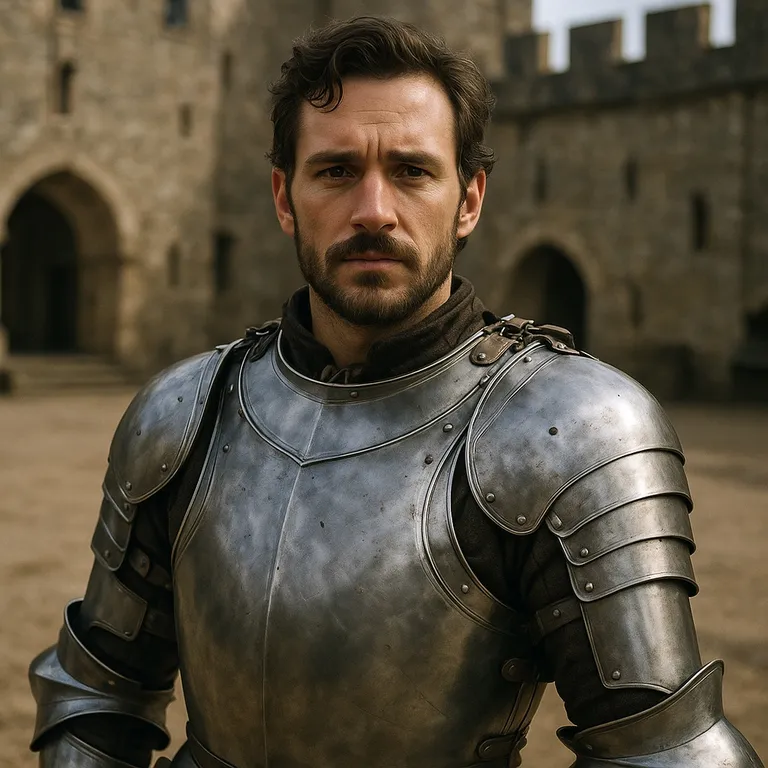
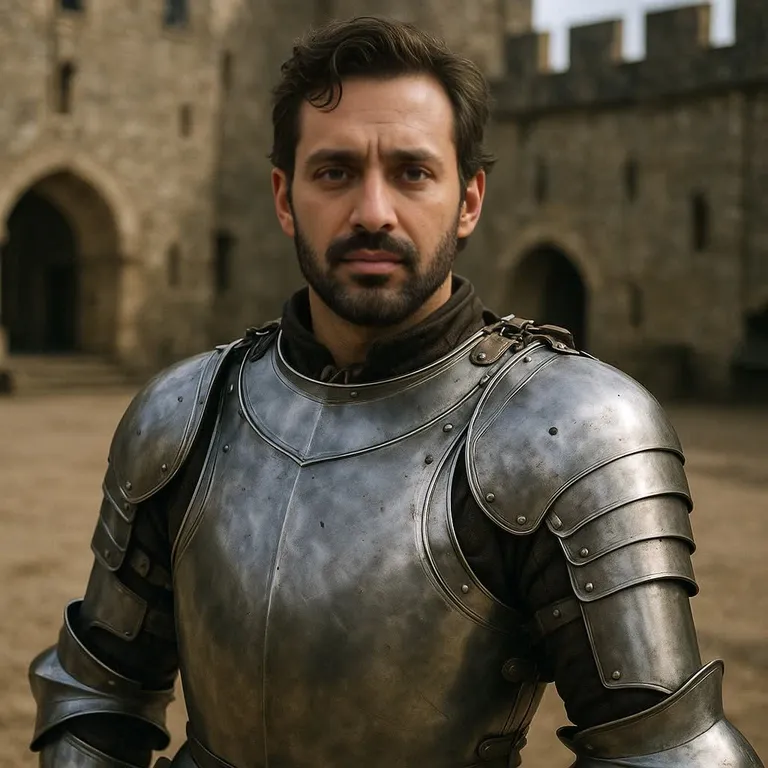
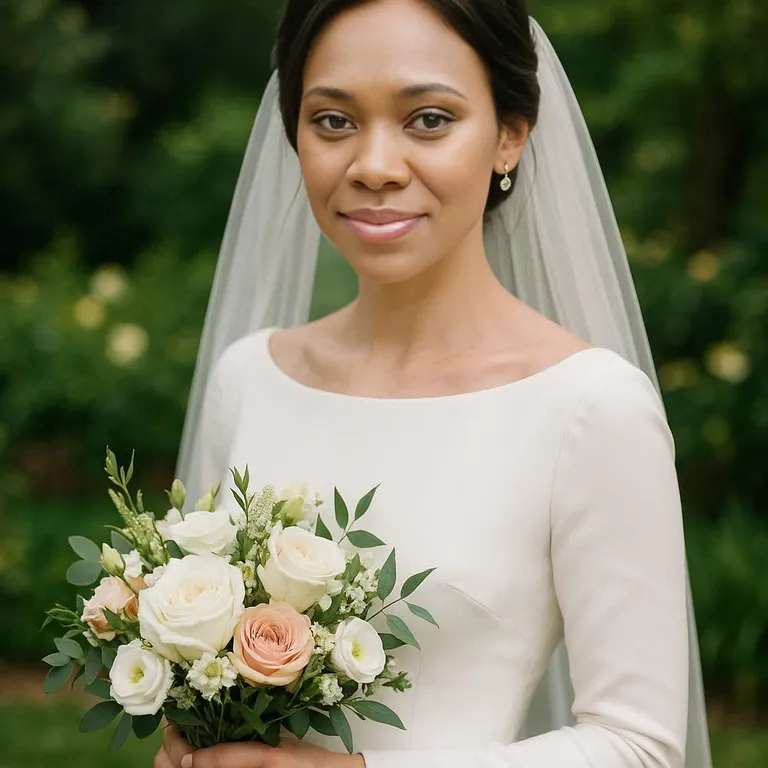
One clear face photo, one target photo, about ten seconds of processing. These are unedited results from the same engine you use above.
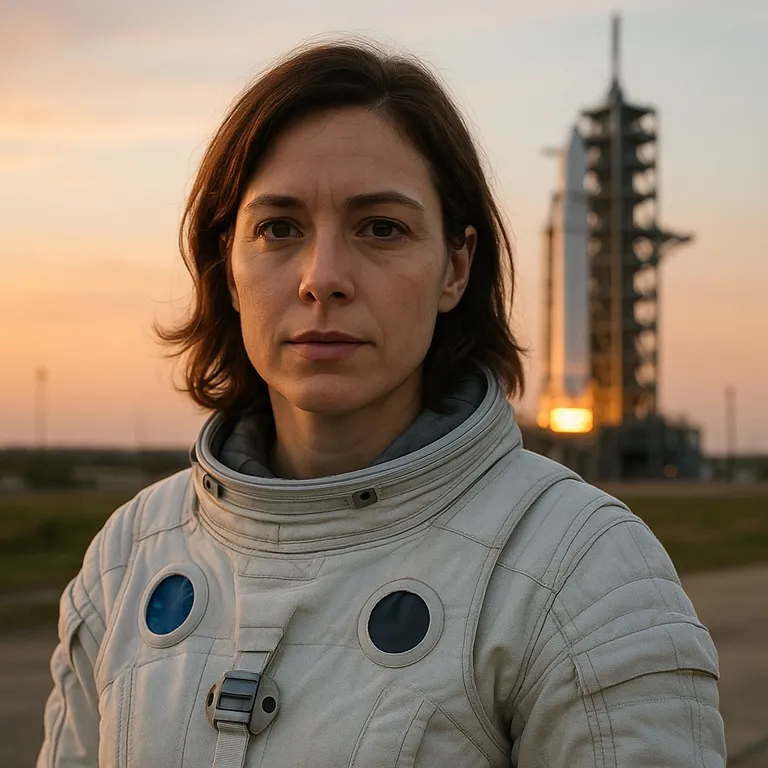 Before
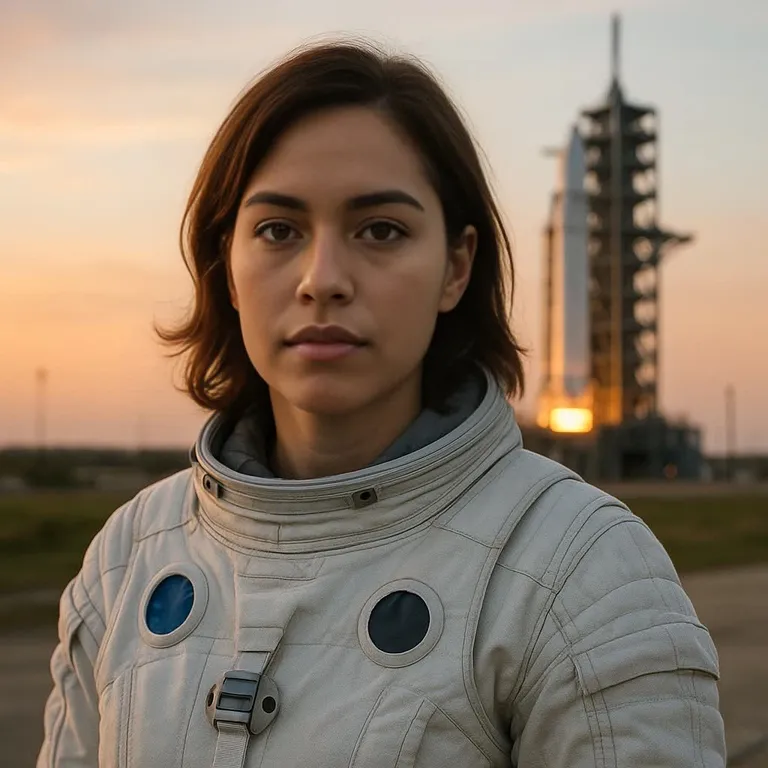 After
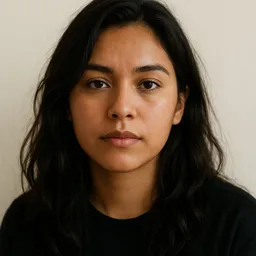
 Before
 After
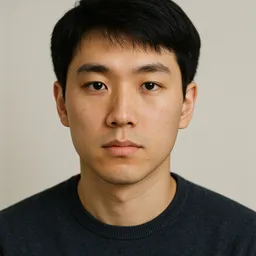
 Before
 After
 Before
 After
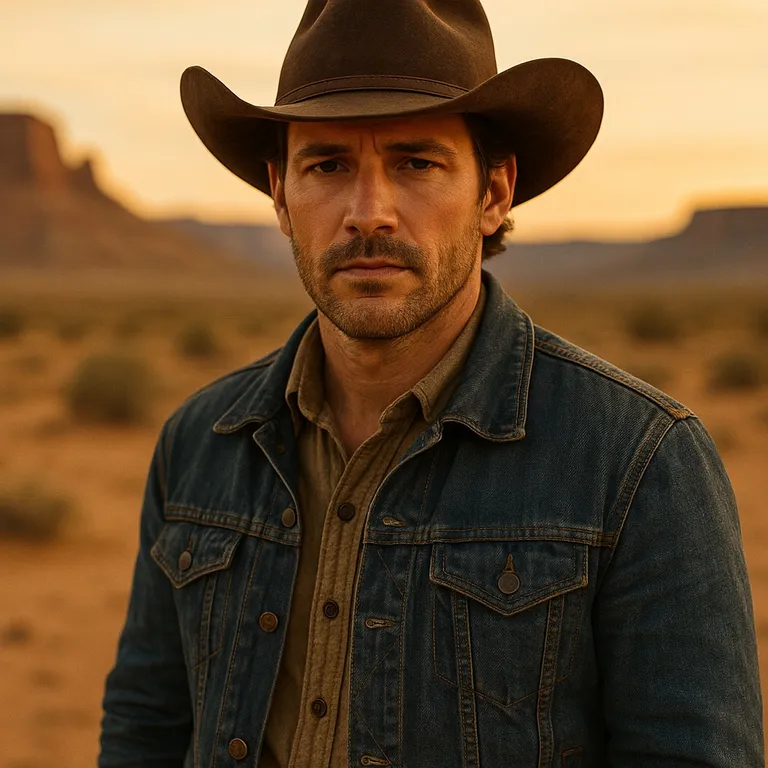 Before
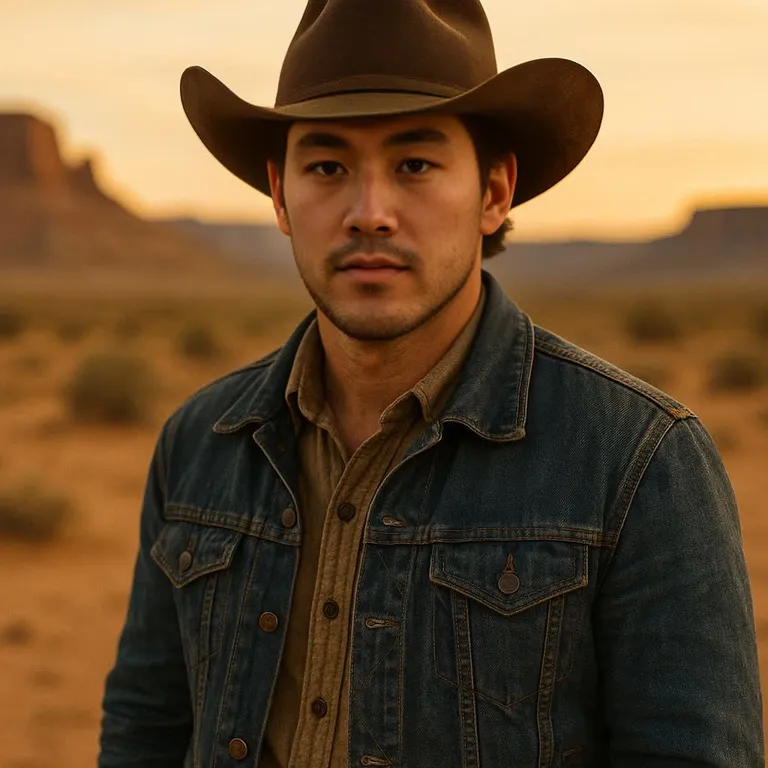 After
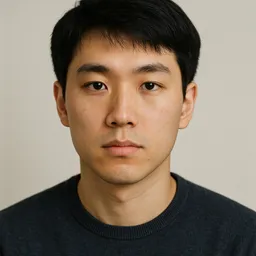
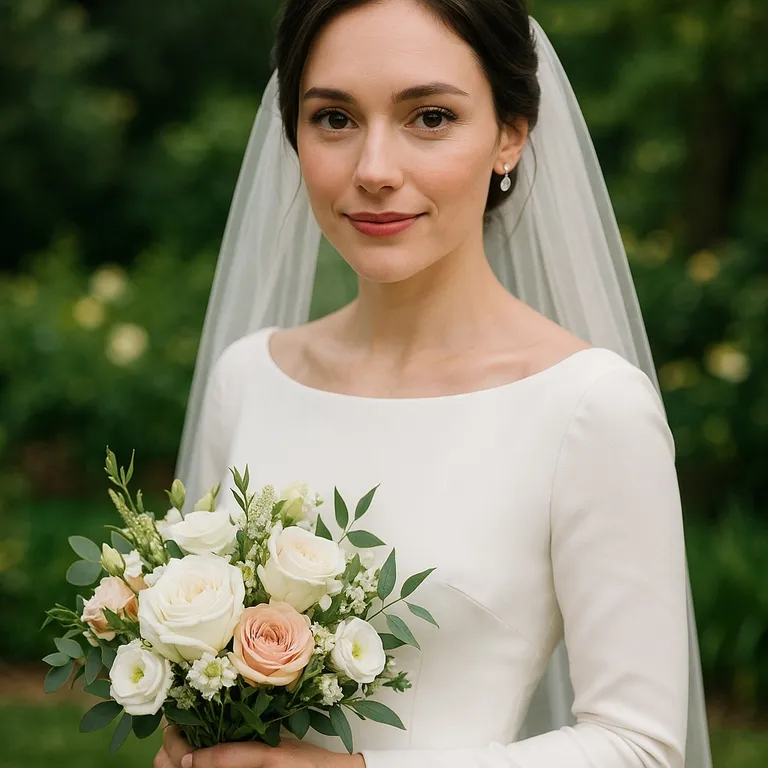 Before
 After
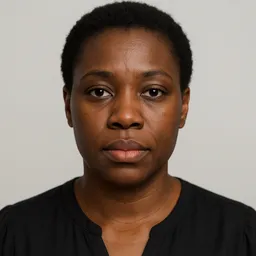
Every person in these examples is AI-generated and does not exist.
Fireworks, a countdown clock, confetti and a glass raised at midnight — put your face on the New Year's Eve photo of the night. This new year face swap tool takes two uploads and one button. The first upload is the face — yours, or the face of someone who agreed to it. The second is the target: the photo or video the face should land on. The engine finds the face in the target, replaces it, and keeps the costume, the background, the lighting and the motion of the original.
New Year targets are party portraits with a 'Happy New Year' sign, countdown and fireworks shots, confetti toasts, glittery number balloons for the coming year and short clips of someone waving or cheering at midnight. Bring a photo or clip you took or may edit. The face must be visible with eyes, nose and mouth in the light, not hidden behind a party hat brim, sparkler glare or 3D glasses. Pick a target with one person, because one source face replaces every face in it.
An image swap costs 15 credits and usually finishes in seconds. A video swap costs 20 credits because every frame gets its own detection pass; short clips typically land in one to five minutes. A failed job refunds its credits automatically, and nothing you make is published to a gallery.
What This New Year Face Swap Tool Does
You choose both faces
No preset templates you cannot change. Bring your own target — a costume photo, a movie still, a stock shot, a clip from your phone — and your own source face.
Photos and videos, same engine
A still new year face swap costs 15 credits. A video costs 20 and tracks the face through motion, talking and head turns, frame by frame.
Optional face enhancement
Face enhance restores skin texture and eye detail after the swap. Frame enhance upscales a soft target. Neither changes the credit price.
Advanced controls when the light is hard
Swapper model, pixel boost, detector score, mask blur and output quality sit in the advanced panel. Most targets never need them; heavy makeup, masks and stage lighting sometimes do.
Private processing
Uploads go to private storage and are used only to run your job. Results are not posted anywhere, and you decide what leaves your device.
How to Make Your New Year Face Swap
Upload your face
A front-facing photo with both eyes visible, even light and nothing covering the face. One person in the frame.
Upload the target
The photo or video the face should land on. The face in it should be uncovered and at least a few hundred pixels wide.
Swap and download
Press the button. Images return in seconds, videos in minutes. Download the result, or adjust a setting and run it again.
Videos up to 300 seconds work with enhancement off. With face or frame enhancement on, the limit is 90 seconds, because every frame is processed twice.
Ideas for Your New Year Face Swap
The same two uploads cover very different jobs. These are the most common ones for this theme.
Countdown greeting
Put your face on a confetti or fireworks portrait and send it as a New Year's greeting.
Midnight toast clip
Swap your face into a short clip of someone cheering at midnight and post it on New Year's Day.
Year-in-review cover
Open your recap post with a New Year portrait that has your face on it, labelled as an AI edit.
Getting a Clean New Year Swap
Pick a target the swapper can read
The engine replaces a face it can detect. If the target shows the face in profile, behind a visor, under a mask or smaller than a thumbnail, there is nothing to replace, and the job fails or the result looks pasted on. A three-quarter or frontal face in the target swaps best.
Resolution matters more than file size. A face that is 300 pixels wide in the target gives the model room to rebuild eyes and teeth. A 60-pixel face in a wide group shot does not, however sharp the rest of the frame is.
Where New Year Swaps Go Wrong
Most failed swaps are not model failures. They are a mismatch between the source and the target: a smiling source on a screaming target, a face lit from the left on a scene lit from the right, a pale source under orange stage light.
Midnight shots mix dark backgrounds with bright flashes from fireworks and sparklers, which can blow out one side of the face. Pick a frame lit from the front by flash or room light, use a source with the same head angle, and run face enhance if the result looks soft or grainy.
Photo first, then video
Test the pairing on a single frame before you spend credits on a clip. Take a screenshot of the video at the moment the face is clearest and swap that. If the still looks right, the video will look right.
For video, shorter is better. Trim the clip to the seconds you need, keep the face in frame, and avoid cuts that jump to a different angle mid-shot.
What Changes the Result
The source photo decides identity: the face shape, the eyes, the mouth. The target decides everything else: costume, pose, lighting, background, motion. So the source should be as plain as possible, and the target should carry all the drama.
If a swap looks flat, turn on face enhance. If the edge of the face shows a seam, raise mask blur slightly in the advanced panel. If the wrong face in a group shot was replaced, crop the target to the one person first.
- Source face is front-facing with both eyes visible
- No sunglasses, mask or hand covering the source face
- The face in the target is uncovered and not in profile
- Lighting direction is roughly the same in both uploads
- Video is trimmed to the seconds you need
- You have permission from everyone whose face you use
Consent and Labeling
Use your own face, or the face of someone who said yes. A swap for a party, a card or a costume idea is fine. Putting a real person into a scene they did not agree to, sexualizing anyone, or making a swap look like real evidence is not, and the terms of service ban it.
If you publish a swap, label it as AI-generated. In the EU that is a legal duty under Article 50(4) of the AI Act, and on every platform it is the honest thing to do. The aideepfake.io watermark stays on by default until your first purchase.
New Year Face Swap FAQ
Is this new year face swap tool free?
The tool is free to open, and signup is free. A free account claims 10 check-in credits every day toward any swap, valid until 00:00 UTC. An image swap costs 15 credits and a video swap 20, so the check-in combines with purchased credits: 5 more make an image, 10 more a video.
Do I need to install an app?
No. The tool runs in the browser on desktop and mobile. You upload two files, press the button and download the result.
Can I swap a face into a video, not just a photo?
Yes. Upload a video as the target. Up to 300 seconds works with enhancement off, 90 seconds with enhancement on, and a video swap costs 20 credits.
Will there be a watermark?
Renders carry an aideepfake.io watermark by default. Any purchase — a credit pack or a subscription — unlocks the switch that removes it.
What happens to my photos?
They are stored privately, used only to run your job, and never published to a gallery. A failed job refunds its credits automatically.
Can I put my face on a fireworks or countdown video?
Yes, if you bring a clip you recorded or may edit and the face is clearly visible. The fireworks, confetti and music come from your clip; only the face is replaced.
Will the year on the balloons or the sign change?
No. Only the face is swapped. Numbers, signs and decorations stay exactly as they are in the target, so pick a target that already shows the year you want.
Sources and Further Reading
The advice above comes from our own testing of the production pipeline. What a deepfake is, and what the law asks of you when you publish one, comes from the primary sources below.
Deployers of an AI system that generates or manipulates image, audio or video content constituting a deep fake, shall disclose that the content has been artificially generated or manipulated.
That is the rule, not our opinion. Publishing a face swap of a real person without a visible label is what the text prohibits, and the duty sits on you as the deployer.
- "Deepfake" on Wikipedia
Definition and history: images, video or audio edited or generated with AI or AI-based tools.
- EU AI Act, Article 50 — transparency obligations
The disclosure duty quoted above, in the full legal context including the law-enforcement and artistic exceptions.
- C2PA — Content Credentials
The open standard for attaching provenance to a file, so a viewer can check how the content was made.
- About aideepfake.io
How the service handles processing, credits, watermarks, privacy, and responsible use.
More Face Swap Themes
The same tool, other scenes. Each page has its own target advice.
Try the New Year Face Swap
Two uploads, one button. Sign up free and claim 10 credits every day.
Upload your face