Angel Face Swap
A soft halo, feathered wings and a glowing white gown — see your face in an angel costume portrait. Upload a clear photo of your face, then the photo or video it should land on.
Written and tested by aideepfake.io Editorial Team · Published · Last reviewed
- A clear, front-facing photo of one person
- Logos, landscapes and text screenshots will not work
Videos up to 300s (90s with enhancement on)
AI face swap examples
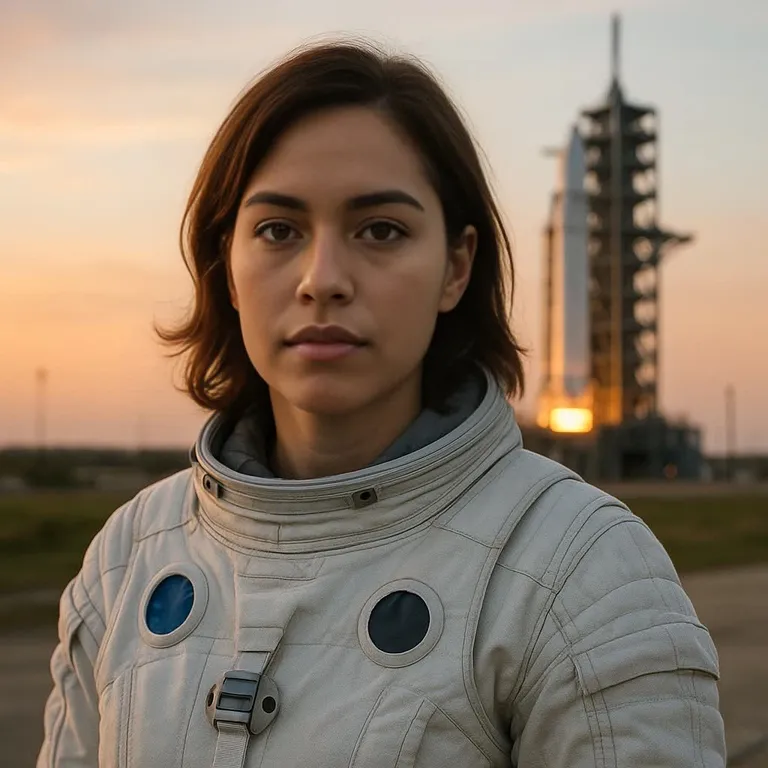
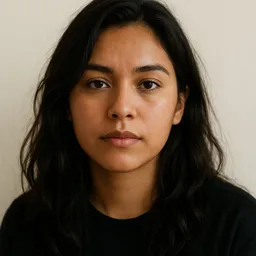
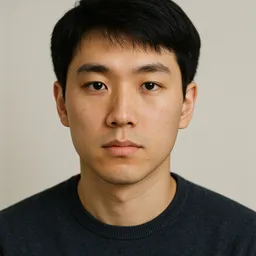
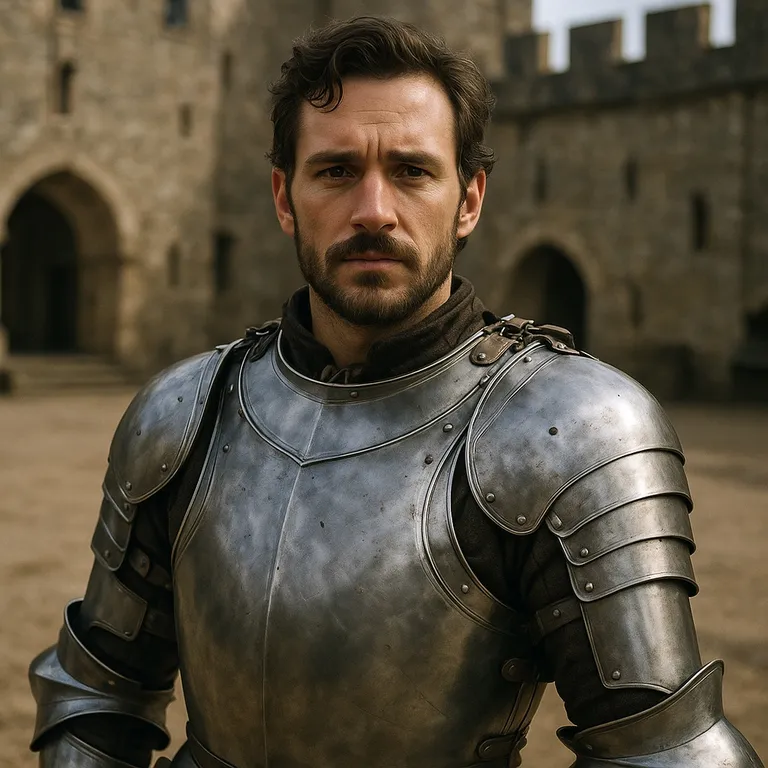
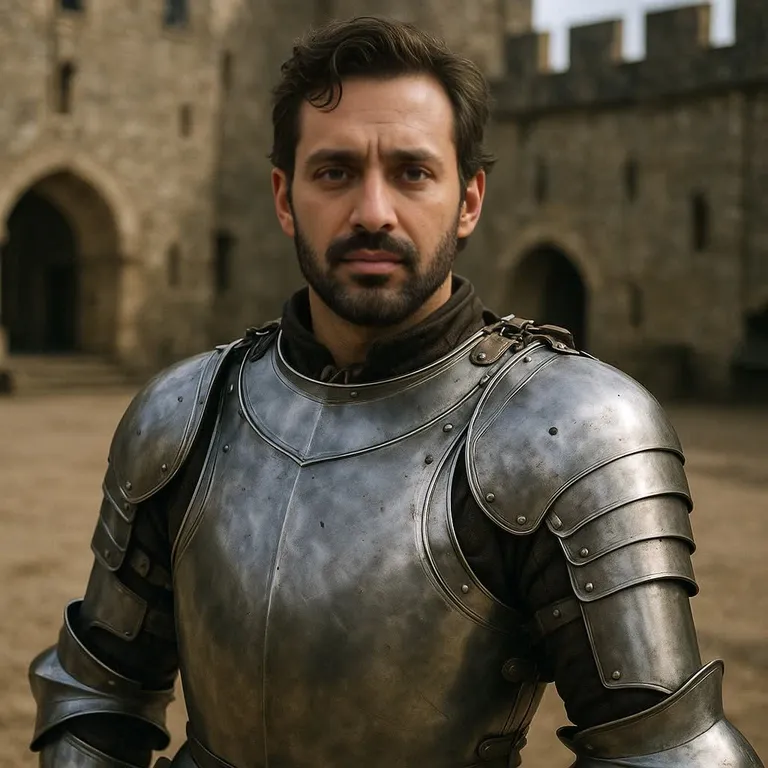
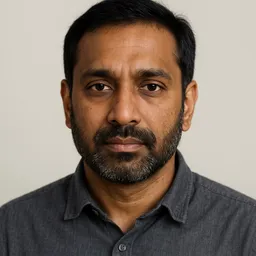
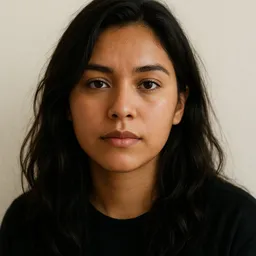
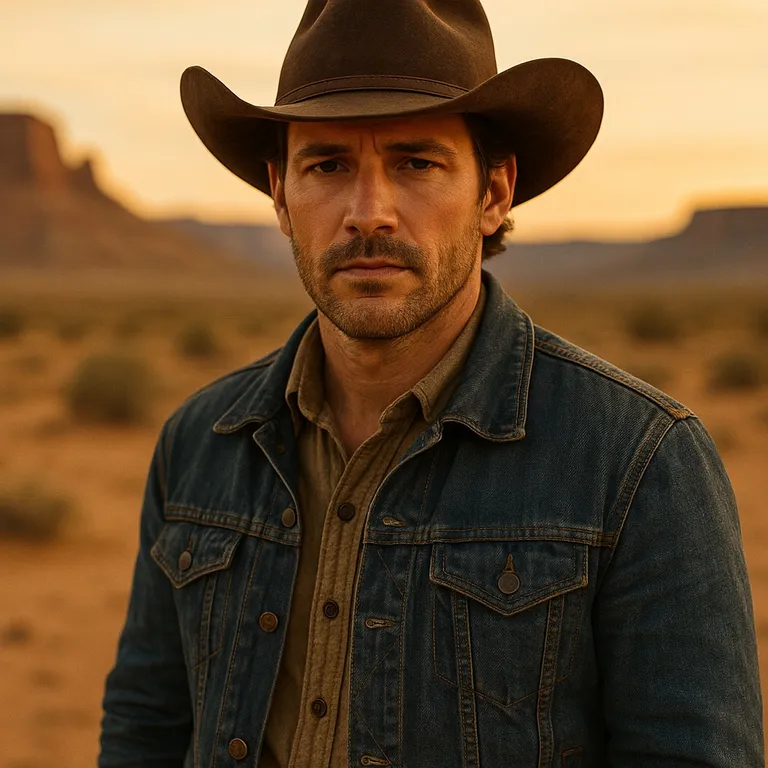
One clear face photo, one target photo, about ten seconds of processing. These are unedited results from the same engine you use above.
 Before
 After
 Before
 After
 Before
 After
 Before
 After
 Before
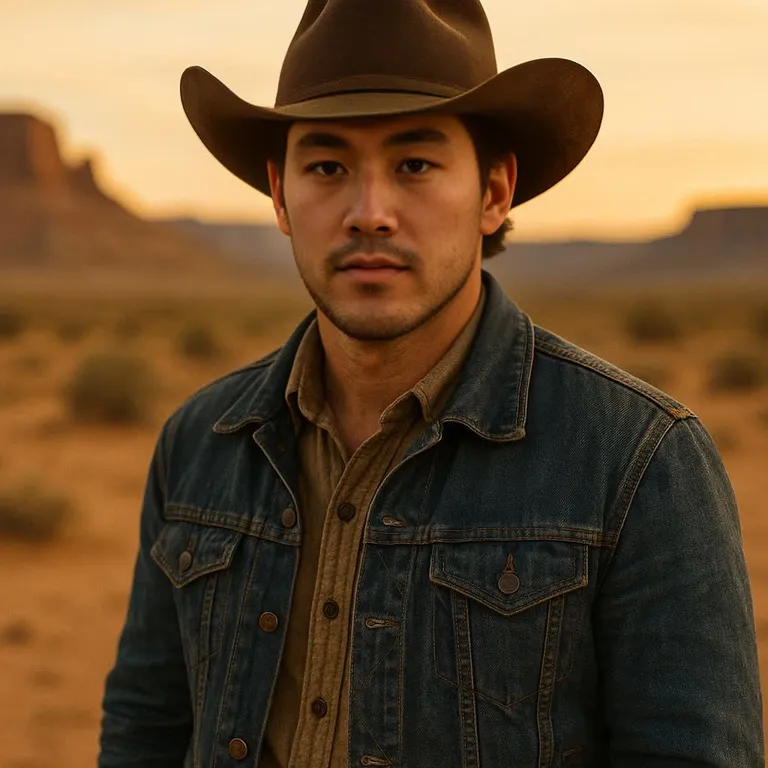 After
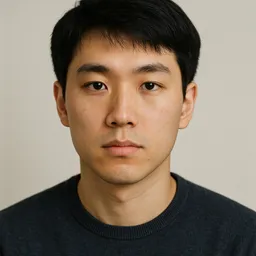
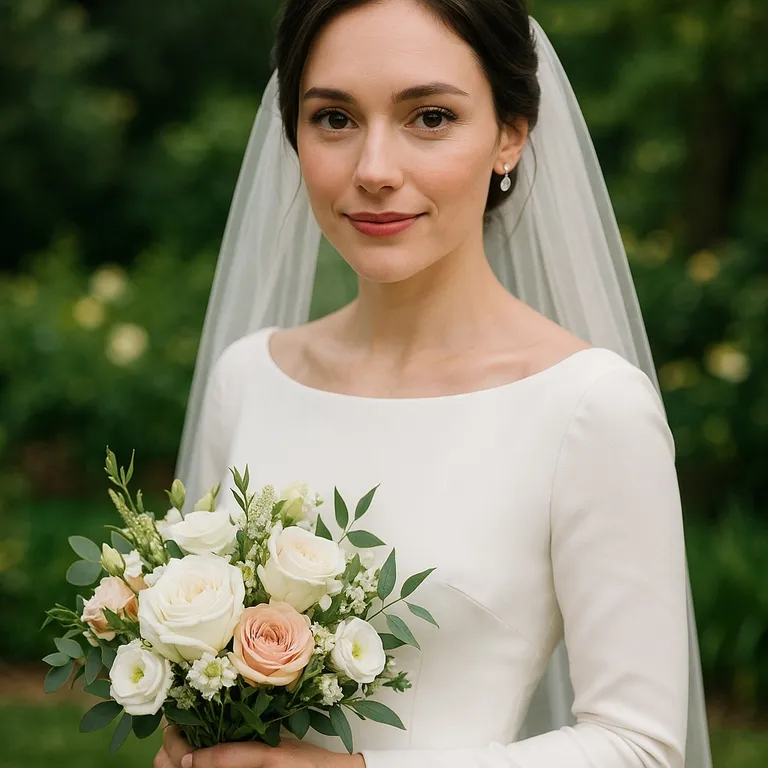 Before
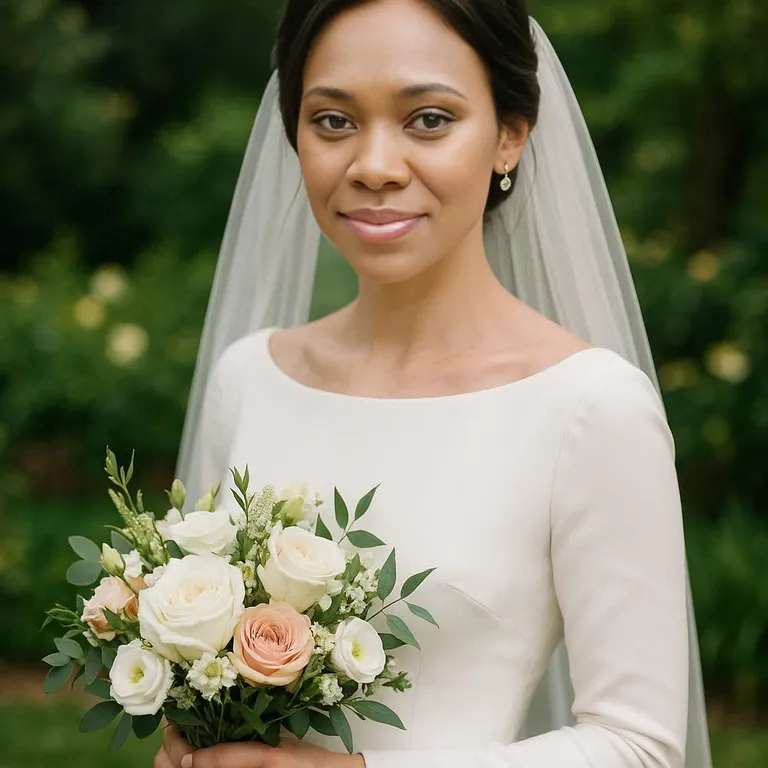 After
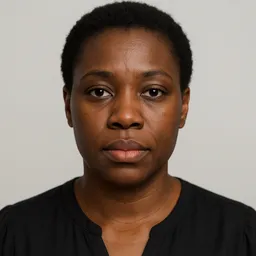
Every person in these examples is AI-generated and does not exist.
A soft halo, feathered wings and a glowing white gown — see your face in an angel costume portrait. This angel face swap tool takes two uploads and one button. The first upload is the face — yours, or the face of someone who agreed to it. The second is the target: the photo or video the face should land on. The engine finds the face in the target, replaces it, and keeps the costume, the background, the lighting and the motion of the original.
Angel targets are costume photos that already show the look: a feathered-wing photo shoot, a white-gown portrait with a halo headband, a nativity-play or holiday-pageant costume, a Halloween angel in a park. The swap changes only the face. It does not add wings, a halo or any costume, so the target must already show them. Bring a photo or clip you took or may edit; we host no template library and name no film, brand or person. Pick a target with one person, because one source face replaces every face in it.
An image swap is free and usually finishes in seconds. A video swap needs any purchase and costs from 20 credits because every frame gets its own detection pass; short clips typically land in one to five minutes. A failed video job refunds its credits automatically, and nothing you make is published to a gallery.
What This Angel Face Swap Tool Does
You choose both faces
No preset templates you cannot change. Bring your own target — a costume photo, a movie still, a stock shot, a clip from your phone — and your own source face.
Photos and videos, same engine
A still angel face swap is free. A video costs from 20 credits and tracks the face through motion, talking and head turns, frame by frame.
Optional face enhancement
Face enhance restores skin texture and eye detail after the swap. Frame enhance upscales a soft target. Neither changes the credit price.
Advanced controls when the light is hard
Swapper model, pixel boost, detector score, mask blur and output quality sit in the advanced panel. Most targets never need them; heavy makeup, masks and stage lighting sometimes do.
Private processing
Uploads go to private storage and are used only to run your job. Results are not posted anywhere, and you decide what leaves your device.
How to Make Your Angel Face Swap
Upload your face
A front-facing photo with both eyes visible, even light and nothing covering the face. One person in the frame.
Upload the target
The photo or video the face should land on. The face in it should be uncovered and at least a few hundred pixels wide.
Swap and download
Press the button. Images return in seconds, videos in minutes. Download the result, or adjust a setting and run it again.
Videos up to 300 seconds work with enhancement off. With face or frame enhancement on, the limit is 90 seconds, because every frame is processed twice.
Ideas for Your Angel Face Swap
The same two uploads cover very different jobs. These are the most common ones for this theme.
Holiday-pageant keepsake
Put your face on an angel costume photo for a seasonal card, with each person's agreement.
Costume-party poster
Swap a friend, with their consent, into a wings portrait for a party invite, labelled as an edit.
Feather-shoot clip
Your face in a short clip of someone turning in a white gown with wings, filmed by you.
Getting a Clean Angel Swap
Pick a target the swapper can read
The engine replaces a face it can detect. If the target shows the face in profile, behind a visor, under a mask or smaller than a thumbnail, there is nothing to replace, and the job fails or the result looks pasted on. A three-quarter or frontal face in the target swaps best.
Resolution matters more than file size. A face that is 300 pixels wide in the target gives the model room to rebuild eyes and teeth. A 60-pixel face in a wide group shot does not, however sharp the rest of the frame is.
Where Angel Swaps Go Wrong
Most failed swaps are not model failures. They are a mismatch between the source and the target: a smiling source on a screaming target, a face lit from the left on a scene lit from the right, a pale source under orange stage light.
White costumes overexpose easily, so the face can sit in a bright wash or under a wing shadow. A halo headband can cast a line across the forehead. Pick a frame with soft shade on the face, the wings behind the shoulders and the hair off the cheeks. A source with matching pale, even light blends best; turn on face enhance if the result looks flat.
Photo first, then video
Test the pairing on a single frame before you spend credits on a clip. Take a screenshot of the video at the moment the face is clearest and swap that. If the still looks right, the video will look right.
For video, shorter is better. Trim the clip to the seconds you need, keep the face in frame, and avoid cuts that jump to a different angle mid-shot.
What Changes the Result
The source photo decides identity: the face shape, the eyes, the mouth. The target decides everything else: costume, pose, lighting, background, motion. So the source should be as plain as possible, and the target should carry all the drama.
If a swap looks flat, turn on face enhance. If the edge of the face shows a seam, raise mask blur slightly in the advanced panel. If the wrong face in a group shot was replaced, crop the target to the one person first.
- Source face is front-facing with both eyes visible
- No sunglasses, mask or hand covering the source face
- The face in the target is uncovered and not in profile
- Lighting direction is roughly the same in both uploads
- Video is trimmed to the seconds you need
- You have permission from everyone whose face you use
Consent and Labeling
Use your own face, or the face of someone who said yes. A swap for a party, a card or a costume idea is fine. Putting a real person into a scene they did not agree to, sexualizing anyone, or making a swap look like real evidence is not, and the terms of service ban it.
If you publish a swap, label it as AI-generated. In the EU that is a legal duty under Article 50(4) of the AI Act, and on every platform it is the honest thing to do. The aideepfake.io watermark stays on by default until your first purchase.
Angel Face Swap FAQ
Is this angel face swap tool free?
Yes for photos. Photo swaps are free with no sign-up; until your first purchase they carry an aideepfake.io watermark and are limited to 20 a day. Video swaps need any purchase and cost from 20 credits.
Do I need to install an app?
No. The tool runs in the browser on desktop and mobile. You upload two files, press the button and download the result.
Can I swap a face into a video, not just a photo?
Yes. Upload a video as the target. Up to 300 seconds works with enhancement off, 90 seconds with enhancement on, and a video swap costs from 20 credits after any purchase.
Will there be a watermark?
Renders carry an aideepfake.io watermark by default. Any purchase — a credit pack or a subscription — unlocks the switch that removes it.
What happens to my photos?
They are stored privately, used only to run your job, and never published to a gallery. A failed job refunds its credits automatically.
Does the swap draw wings or a halo for me?
No. Only the face is replaced. Wings, halo and gown must already appear in the target photo or clip.
Is an angel face swap disrespectful?
Keep it playful and kind. Do not mock any faith or a real person. Use it for costumes, cards and jokes between people who agreed to it.
Sources and Further Reading
The advice above comes from our own testing of the production pipeline. What a deepfake is, and what the law asks of you when you publish one, comes from the primary sources below.
Deployers of an AI system that generates or manipulates image, audio or video content constituting a deep fake, shall disclose that the content has been artificially generated or manipulated.
That is the rule, not our opinion. Publishing a face swap of a real person without a visible label is what the text prohibits, and the duty sits on you as the deployer.
- "Deepfake" on Wikipedia
Definition and history: images, video or audio edited or generated with AI or AI-based tools.
- EU AI Act, Article 50 — transparency obligations
The disclosure duty quoted above, in the full legal context including the law-enforcement and artistic exceptions.
- C2PA — Content Credentials
The open standard for attaching provenance to a file, so a viewer can check how the content was made.
- About aideepfake.io
How the service handles processing, credits, watermarks, privacy, and responsible use.
More Face Swap Themes
The same tool, other scenes. Each page has its own target advice.